When choosing a digital journaling tool, the fundamental decision often comes down to the type of record you want to keep. Are you looking for a comprehensive multimedia memory archive, or a structured mood calendar and routine record? This comparison examines Day One and ViviDiary to help you determine which approach aligns with your daily habits.
Scope Note: This comparison uses the ViviDiary v1.5 preview currently illustrated on our website; actual store builds and subscription plans may differ. Notably, AI conversation is not present in this preview. Please distinguish these preview-specific features from current public download availability.
Methodology: We are the team behind ViviDiary. This is a desk-researched comparison based on official documentation and our v1.5 preview, not an independent review or hands-on testing of competitor apps. Sources were checked on 2026-10-26.
Feature Comparison
| Feature | Day One | ViviDiary (v1.5 Preview) |
|---|---|---|
| Primary Focus | Multimedia memory archive | Structured mood & routine calendar |
| Entry Format | Rich text, markdown, media | 5 moods, emojis, optional notes/media |
| Organization | Multiple journals, tags, search | Calendar view, pattern analytics |
| Task Management | Reminders | Routines and todos |
| Security | End-to-end encryption | No E2EE claims |
| Export Options | PDF, JSON, Plain Text, CSV (varies) | Not specified in preview |
| Virtual Companion | None | Optional Mochi space |
| Historical Review | On This Day feature | Pattern analytics |
Core Approaches: Long-Form Archive vs Structured Mood Calendar
Day One and ViviDiary represent two distinct philosophies in digital record-keeping. Day One is built as a robust, flexible container for your life's moments, supporting everything from brief text updates to extensive multimedia entries. It provides the tools necessary to maintain multiple distinct journals, making it suitable for users who want to separate their work notes, personal reflections, and travel logs.
ViviDiary, as seen in our v1.5 preview, takes a highly structured approach. Rather than presenting a blank page, it prompts users with a mood calendar, routine trackers, and specific activity logs. This structure is designed for users who prefer to log their days through categorized data points rather than open-ended writing, though it still accommodates optional notes and media.
If you are exploring other structured options, you might also find our Daylio vs ViviDiary comparison helpful for understanding different approaches to mood tracking.
Day One: The Comprehensive Memory Vault
According to Day One's official features, the application offers a rich text and markdown environment that supports photos, video, and audio. This makes it an exceptionally powerful tool for users who want to capture their experiences in high fidelity. You can write a detailed account of a family vacation, embed a video of a concert, or dictate a quick audio note while commuting.
The app's organizational tools are equally robust. Users can create multiple journals, utilize tags, and rely on a powerful search function to retrieve past entries. The 'On This Day' feature serves as a built-in nostalgia engine, resurfacing past entries to encourage reflection. Furthermore, Day One provides end-to-end encryption, ensuring that your most private thoughts remain secure.
It is important to note that while Day One excels at long-form writing, it does not require it. Users can easily use it for short entries or quick photo logs. For a broader look at traditional journaling apps, see our Day One vs Apple Journal analysis.
ViviDiary: Tracking Moods and Routines
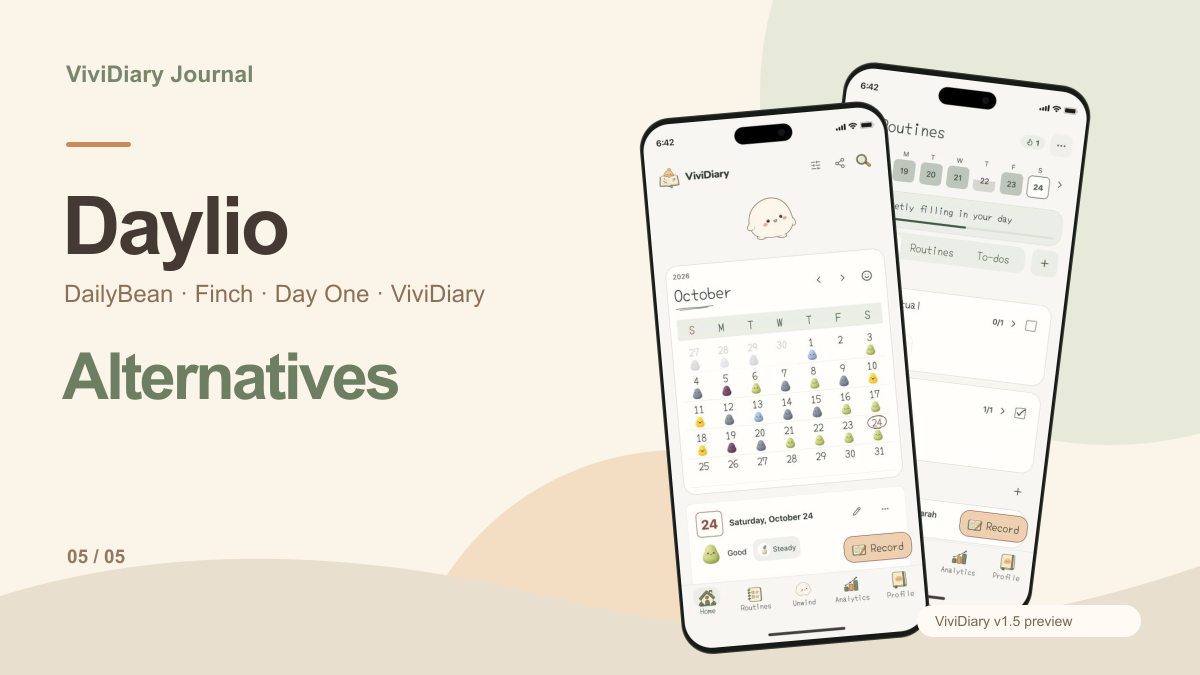
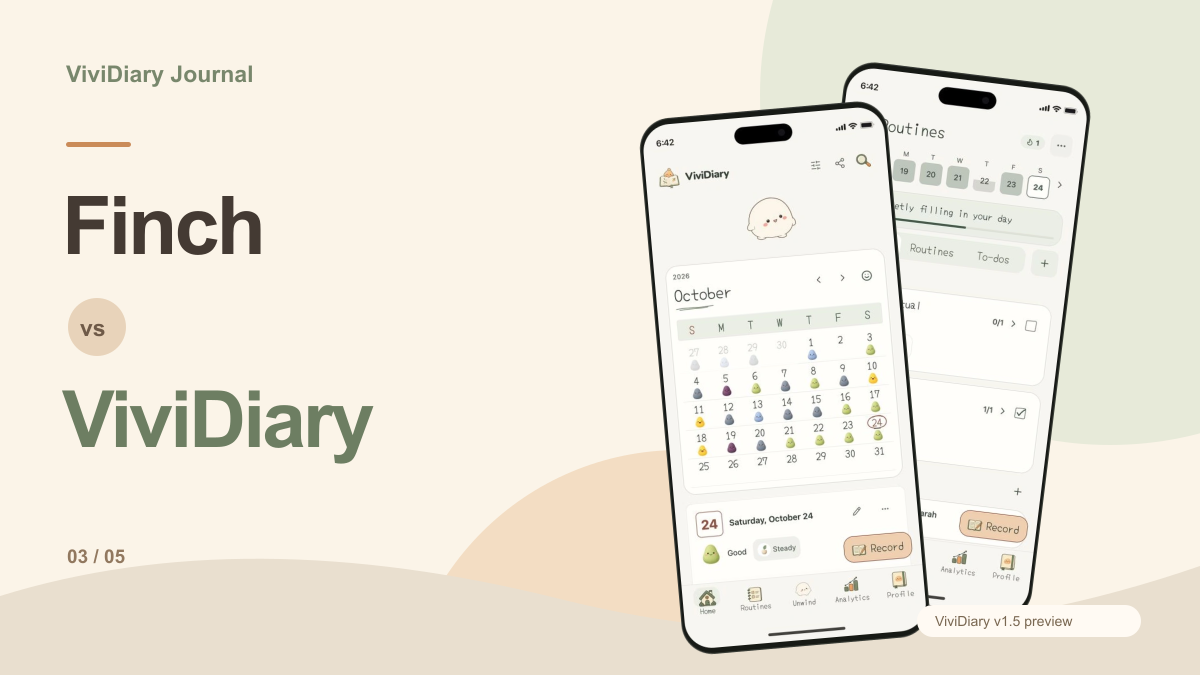
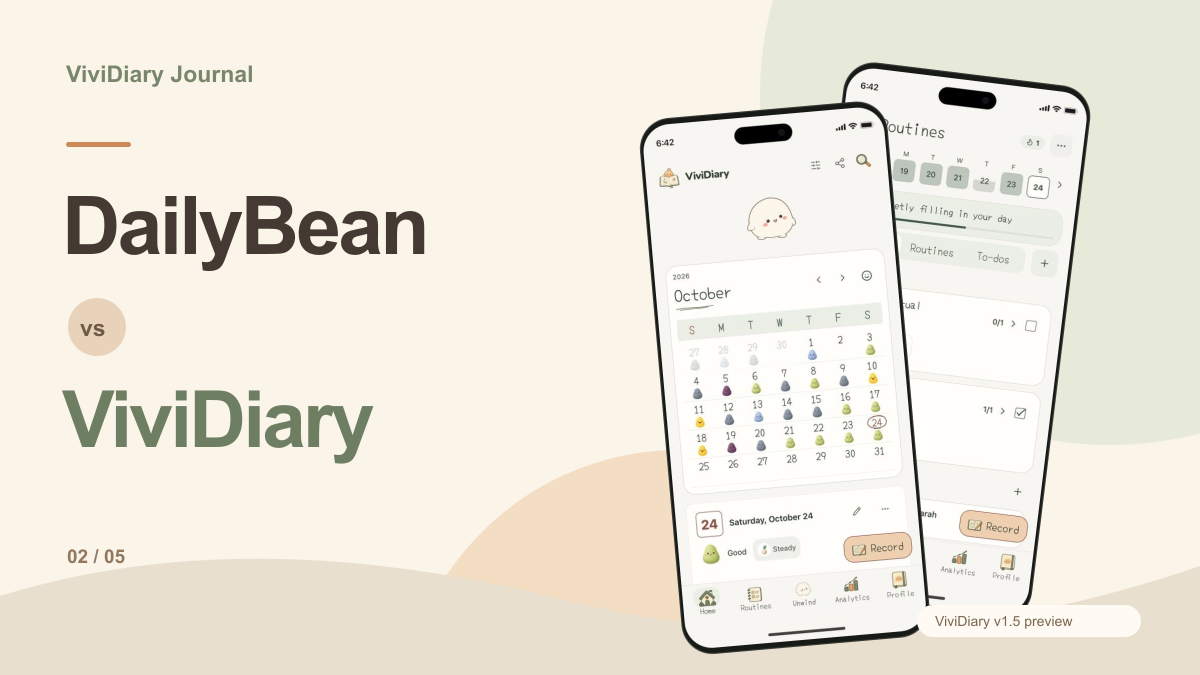
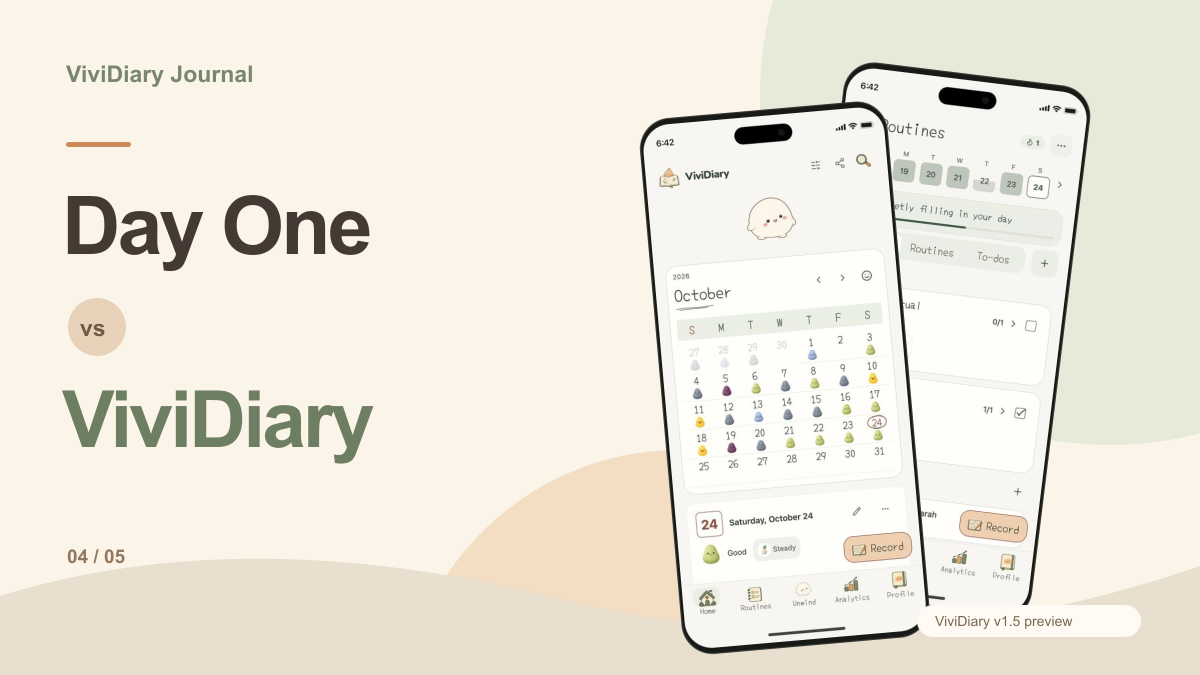
The ViviDiary website illustrates a different daily workflow. The core interface revolves around a mood calendar where users select from five moods and can attach optional activity emojis, notes, photos, or audio. This creates a visual map of your emotional state over time, supported by pattern analytics that help identify trends.
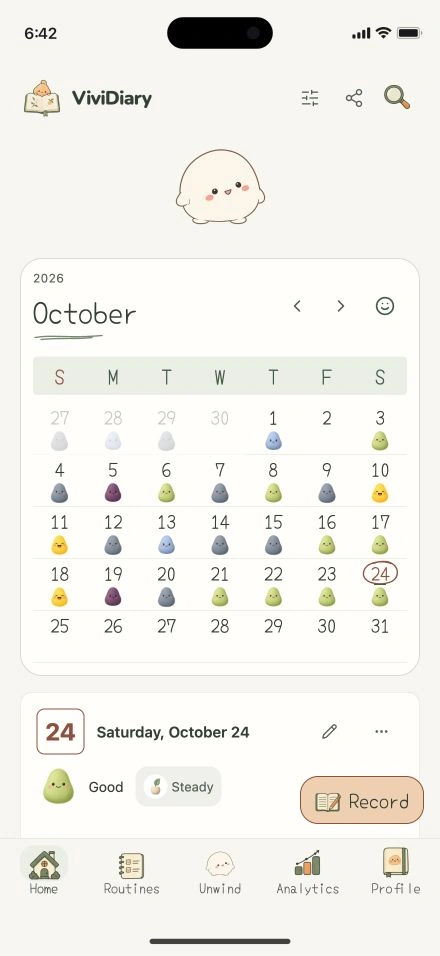
Beyond mood tracking, the preview includes integrated routines and todos. This allows users to manage their daily habits alongside their emotional check-ins. A unique aspect of the ViviDiary preview is the optional Mochi space, where a virtual companion roams near a leaf, rock, or flower and responds to touch. Notably, there is no coupling of journal entries or routines to points, levels, or growth mechanics in this preview.
For users interested in how virtual companions integrate with daily tracking, our Finch vs ViviDiary article explores this concept further. You can also download ViviDiary to see the current public build.
Exporting and Data Ownership
When committing your personal history to an application, understanding how you can retrieve that data is crucial. Based on Day One's export documentation, export availability differs by platform. Formats include PDF, JSON, Plain Text/Markdown, and on some platforms, CSV. This flexibility ensures that users can archive their entries in universally readable formats or migrate them if necessary, though you should verify which formats are available on your specific device.
In contrast, the ViviDiary v1.5 preview does not detail specific export features or local-first architecture. Users prioritizing strict data portability and end-to-end encryption will find Day One's documented capabilities more aligned with their needs. If you prefer a more fragmented, physical approach to memory keeping, you might enjoy reading about the Scrap-a-Day journaling method.
Evaluating a Week of Records
To determine which application suits you best, consider a hypothetical week of record-keeping. If you choose Day One, your week might consist of three detailed text entries about your career goals, a photo gallery from a weekend hike, and two short audio notes recorded during your commute. You would rely on the search function and tags to organize these disparate media types into a cohesive archive.
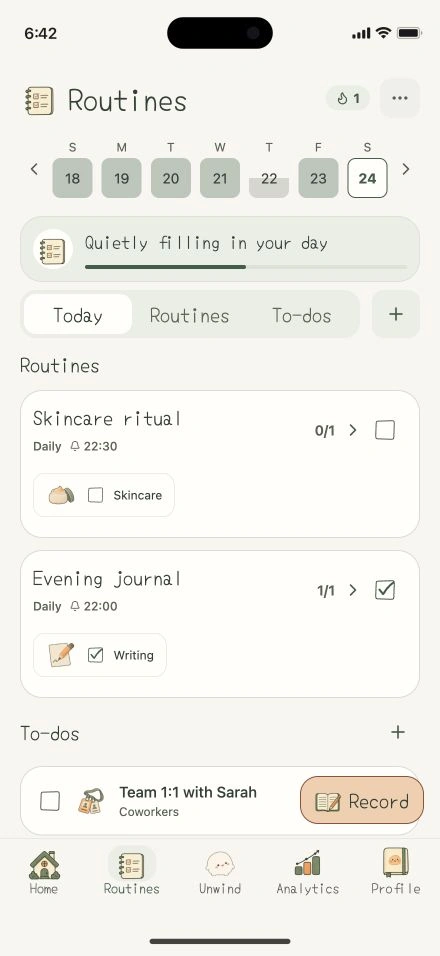
If you were testing the ViviDiary preview workflow, your week would look highly structured. You would log one of five moods each evening, check off your daily routines, and perhaps add a brief note or photo to explain a particularly good or bad day. At the end of the week, you would review your pattern analytics to see how your mood correlated with your completed routines, perhaps taking a moment to interact with Mochi in the companion space.
Proposed Evaluation: Assessing Your Journaling Needs
To determine whether a comprehensive memory vault or a structured mood and routine calendar better serves your daily habits, we recommend conducting a proposed evaluation. This exercise involves logging entries in both Day One and ViviDiary over a brief period, then analyzing the results to understand which application aligns with your actual usage patterns. Rather than relying on a hypothetical feature list, this evaluation grounds your decision in how you naturally interact with each interface and what data you prioritize.
Reviewing Your Initial Entries
After logging several days of updates, review the information you naturally gravitate toward capturing. Examine the length and format of your records. Day One accommodates extensive rich text and markdown formatting, allowing for detailed, long-form narrative entries. However, it is equally capable of handling brief updates, and its inclusion of a calendar view means you can easily track short daily notes. Look at whether you frequently attach multiple photos, videos, or audio clips, as Day One supports this multimedia approach across multiple distinct journals.
Conversely, evaluate your ViviDiary entries to see if your primary focus leans toward structured tracking. ViviDiary’s v1.5 preview centers on a five-mood selection system, supplemented by optional activity emojis, brief notes, photos, and audio. If your evaluation reveals that you consistently utilize the routines and to-do list features alongside your daily mood selection, a structured calendar approach may be more efficient for your needs than a blank text canvas. Assessing these initial entries helps clarify whether you are building a multimedia archive or maintaining a streamlined record of daily patterns.
Distinguishing Core Utility from Decorative Elements
The next step in this proposed evaluation is to distinguish which features actively support your journaling goals and which serve merely as decorative additions. In Day One, assess the utility of the "On This Day" feature and the search functionality. If you frequently revisit past entries to reflect on specific memories or search for past events, these tools provide significant core utility for a long-form archive. Additionally, consider whether the ability to maintain multiple separate journals helps you organize different aspects of your life, or if it feels like unnecessary complexity that distracts from your daily logging.
When evaluating ViviDiary, examine the pattern analytics feature. If reviewing your mood trends and routine completion rates provides actionable insights into your week, this structured data is a core utility. You must also evaluate the optional Mochi space. In this separate area, a character named Mochi roams near a leaf, rock, or flower and responds to touch. Determine whether interacting with this space encourages you to open the application and complete your daily mood logging, or if it functions strictly as a decorative element that you bypass in favor of the calendar and to-do lists.
Preserving Records and Justifying a Switch
Finally, this evaluation requires assessing how you will preserve your existing records and what factors would justify staying with your current application instead of switching. If data ownership, longevity, and security are your primary concerns, examine Day One’s infrastructure. Day One offers end-to-end encryption to secure your entries. Furthermore, it provides platform-dependent export options, allowing users to extract their data in formats such as PDF, JSON, Plain Text, Markdown, and, on certain platforms, CSV. If you already have years of journal entries, the ability to secure and eventually export this data might justify remaining with or switching to Day One.
For ViviDiary, verify the current privacy, backup and export documentation for the build you plan to use; this comparison does not establish end-to-end encryption or migration compatibility. An undocumented capability is not automatically an absent capability. Day One provides explicit documentation for encryption and platform-dependent export formats, which gives archive-focused readers concrete details to inspect. If preserving a large collection is your priority, compare those details before moving. Keep the source archive while you test whether the new journal’s calendar, routines and analytics add enough practical value to justify a switch.
Making Your Decision
There is a strong, explicit case for choosing Day One. If your primary goal is to build a comprehensive, secure, and searchable archive of your life's events, Day One's rich text support, multiple journals, and end-to-end encryption make it an exceptional choice. Its platform-specific export options provide peace of mind for long-term data preservation.
ViviDiary's v1.5 preview, conversely, is designed for users who want to minimize the friction of daily logging. By combining a mood calendar with routines and an optional virtual companion, it offers a structured, visual approach to tracking your days. However, practical limitations exist: the preview does not offer end-to-end encryption, and its highly structured format may feel restrictive to users who prefer long-form, open-ended writing.
Ultimately, the choice between Day One and ViviDiary depends on whether you want a blank canvas for detailed memory archiving or a structured framework for tracking daily patterns.