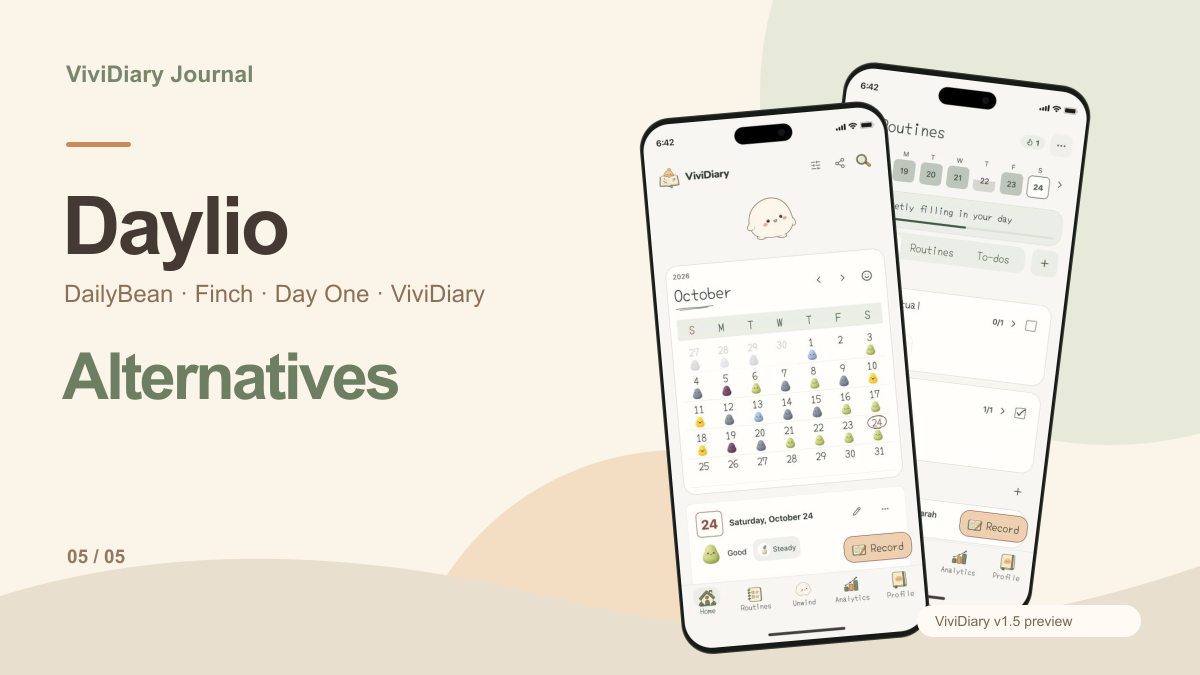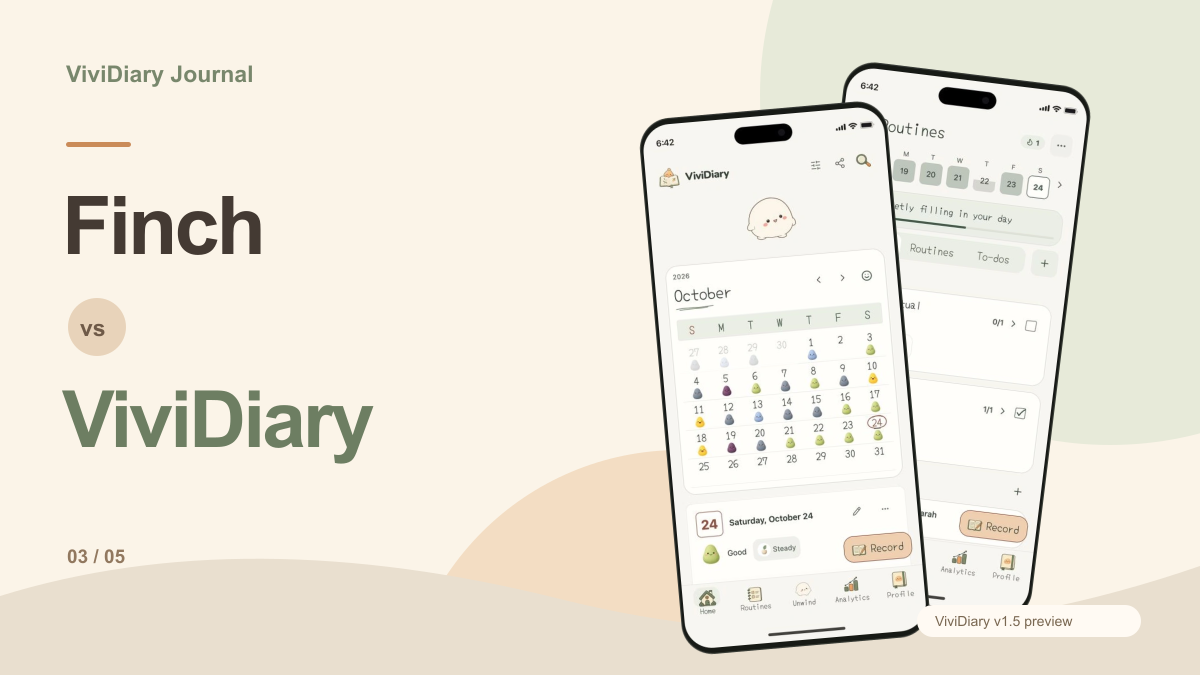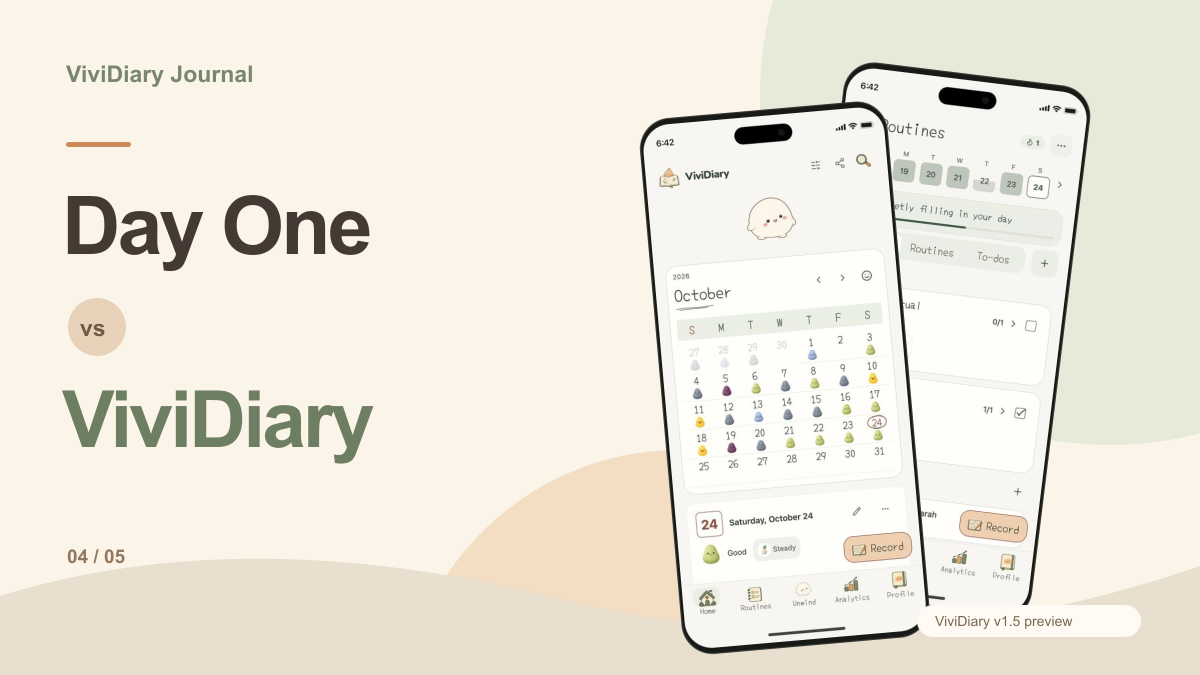
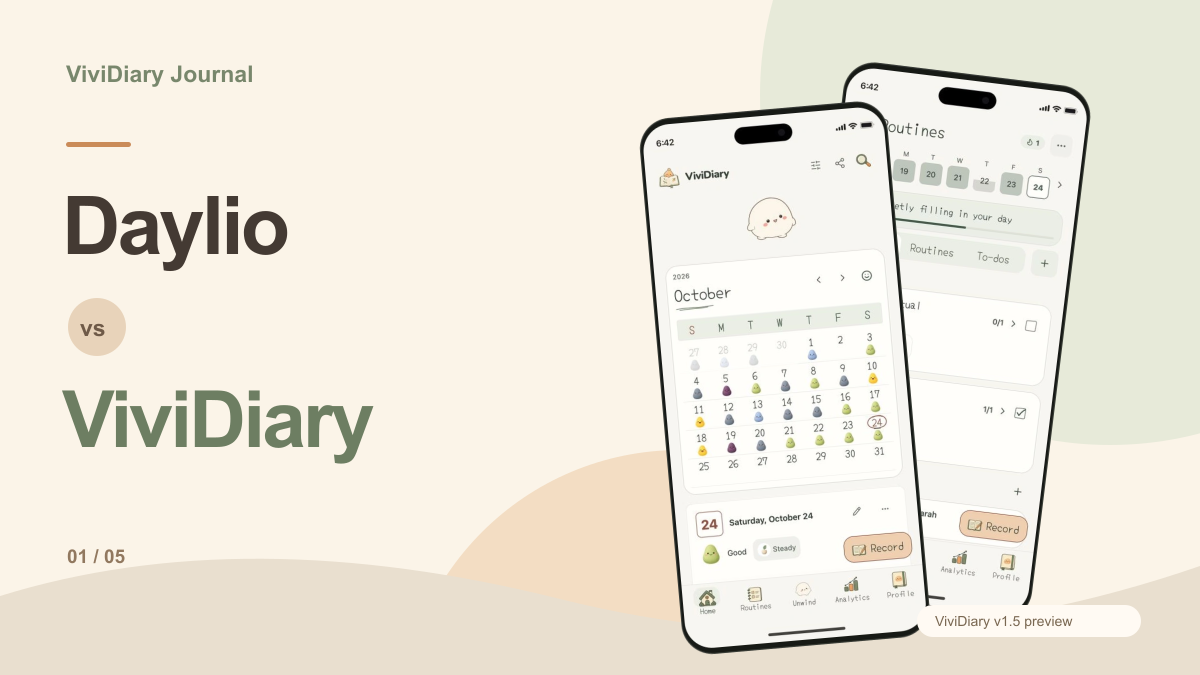
When you log your mood at the end of a long day, what happens to that data? For many users, the act of recording a feeling is only the first step in a broader process of self-reflection and habit management. Daylio and ViviDiary take fundamentally different approaches to what happens after you hit save. Daylio excels at turning your entries into actionable statistical correlations and goal tracking based on extensive historical data. ViviDiary, on the other hand, focuses on combining mood logging with daily routines and a visual calendar designed for rereading, alongside a separate interactive space.
Methodology Note: We are the team behind ViviDiary. This article is a desk-researched comparison based on official documentation and our v1.5 preview, with sources checked on October 26, 2026. This is not an independent review or hands-on testing of competitor apps, but rather a practical decision analysis to help you understand the structural differences between the two platforms.
Scope Note: This comparison uses the ViviDiary v1.5 preview currently shown on our site. Current store builds and subscription plans may differ. AI conversation is absent from this preview.
Feature Comparison Summary
To help clarify the structural differences between the two applications, the following table outlines how they handle key features based on official documentation and our current preview.
| Feature / App | Daylio (Official Features) | ViviDiary (v1.5 Preview) |
|---|---|---|
| Mood Selection | Yes | Yes (Five moods) |
| Activity Tracking | Yes (Selection & templates) | Yes (Optional emojis) |
| Media Attachments | Photos, voice memos, notes | Photos, audio, notes |
| Analytics | Mood/activity correlation stats | Pattern analytics |
| Goal Tracking | Daily/weekly/monthly goals | Routines and todos |
| Export Options | PDF/CSV exports | Not specified in preview |
| Interactive Space | No roaming pet described in the cited features | Separate Mochi space |
| Cloud Backups | Cloud-storage backups | Store builds may differ |
Ultimately, the choice between Daylio and ViviDiary depends entirely on what you want to happen after you log your mood. If you want your entries transformed into correlation statistics, goal tracking, and exportable CSV files, Daylio provides a highly refined, data-driven environment. If you prefer to keep your mood logs alongside daily routines and todos, rely on a visual calendar for rereading, and appreciate a separate interactive space without gamified point systems, the ViviDiary preview offers a distinct alternative for organizing your daily record.
The Core Mechanism: Capturing Your Daily Baseline
The foundation of any tracking application is how it allows you to capture your daily baseline. Both applications provide structured methods for recording your day, but they organize the input process differently to serve their respective analytical goals.
Daylio relies on a highly structured mood and activity selection process. When you open the application, you are prompted to select your mood and then choose from a variety of activities that you participated in during that time period. To add context to these selections, Daylio allows you to utilize notes, templates, photos, and voice memos. This structured input is critical because it feeds directly into the application's statistical engine. By categorizing your day into specific, repeatable activities, Daylio ensures that the data it collects is uniform enough to be analyzed over weeks, months, and years. You can view this data through a list, calendar, or search function, making it easy to retrieve specific entries.
For users exploring a Daylio alternatives app comparison, the ViviDiary v1.5 preview offers a different input structure. The current website illustrates a system built around five moods. Alongside these core moods, users can add optional activity emojis, notes, photos, and audio to their entries. Both apps use recorded activities as context for reviewing mood patterns. ViviDiary also places those choices beside a visual diary entry, routines and todos. This approach aligns with the scrap-a-day journaling method, where the focus is on creating a visually distinct record of the day rather than a purely statistical one.
Reading the Results: Charts, Context, and Calendar Entries
The most significant divergence between these two applications occurs when you want to analyze the data you have collected. Daylio is built for users who want to understand the mathematical relationship between their behaviors and their well-being.
Daylio provides detailed mood and activity correlation statistics. This means the application actively cross-references the activities you select with the mood scores you record. Over time, this allows the software to highlight which specific habits are present on your best days and which activities frequently coincide with a drop in your mood. For individuals who are trying to identify behavioral triggers or measure the impact of a lifestyle change, this statistical correlation is an incredibly powerful tool. It gives you a starting point for inspecting your own records. Missing days and changes in what you choose to log can affect the picture, and correlation does not establish causation.
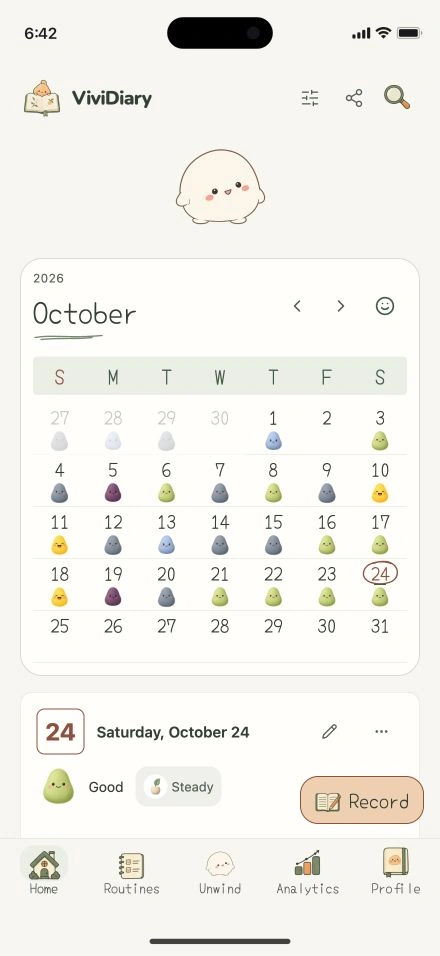
ViviDiary also includes pattern analytics; its calendar is an entry point into those records rather than a replacement for analysis. The preview brings mood trends, activity context, routine history and rereading together. Compare how easily you can move from a trend back to the days behind it, whether you can see the selected period, and what baseline a comparison uses. A chart becomes more useful when you can inspect the entries that produced it. Neither app can establish that an activity caused a mood change simply because the two appeared together in your records.
Evaluating a Week of Records: A Practical Test
To understand how these different philosophies impact daily use, consider a hypothetical scenario where you have logged your mood and activities every evening for seven days. At the end of the week, you sit down to evaluate your records and plan for the week ahead.
If you are using Daylio, your evaluation process leans heavily into data analysis. You would likely navigate to the statistics tab to review your mood and activity correlation statistics. You might look at a chart to see if a specific activity—such as working late or exercising—consistently appeared on days where your mood was elevated or depressed. Daylio’s interface would allow you to see these correlations clearly. Furthermore, you would check your progress against your daily, weekly, and monthly goals. If your goal was to read three times a week, Daylio’s tracking system would show you exactly how well you adhered to that target based on your activity logs. This makes Daylio highly effective for users who treat their personal development as a measurable project.
In ViviDiary, evaluate that same hypothetical week through both the calendar and analysis views. Inspect your recorded moods, activity context and routine history, then open individual days to check what happened. Compare a chart with your notes rather than treating either as the complete story. For example, two evenings marked with the same activity might have very different context in their notes. You are assessing whether the combination of overview and detail answers your own question, not whether one app produces a larger number of charts. The routine list also gives you a practical record of completed tasks alongside the journal.
Making the Explicit Case for Daylio
There are clear, documented reasons why a user should choose Daylio over ViviDiary, particularly if data portability and rigorous habit tracking are priorities. Daylio is fundamentally designed for users who want to turn their life into a measurable dataset.
First, Daylio officially features PDF and CSV exports. This is a crucial feature for users who want to take their data out of the application. Whether you want to print a PDF of your year for a physical archive, or export a CSV file to run your own advanced pivot tables in a spreadsheet, Daylio provides the tools to do so. This level of data ownership is essential for power users who view their mood logs as long-term personal data.
Second, Daylio includes structured daily, weekly, and monthly goals. These goals are integrated directly into the activity tracking system. When you log an activity, it automatically counts toward your established goals. This creates a closed-loop system where logging your day simultaneously updates your progress tracking. Combined with cloud-storage backups to ensure your extensive historical data is preserved, Daylio offers a robust, highly analytical environment. If you are comparing Bearable vs Daylio, you will note that Daylio's strength lies in this combination of activity logging, goal tracking, and correlation statistics.
The ViviDiary Approach: Routines and the Mochi Space
The reason to compare ViviDiary is its combination of structured mood records, calendar rereading, routines, pattern analytics and an independent character space. These are priorities to evaluate together, rather than a claim that Daylio has no goals or analytical features. You can inspect the current preview at ViviDiary website.
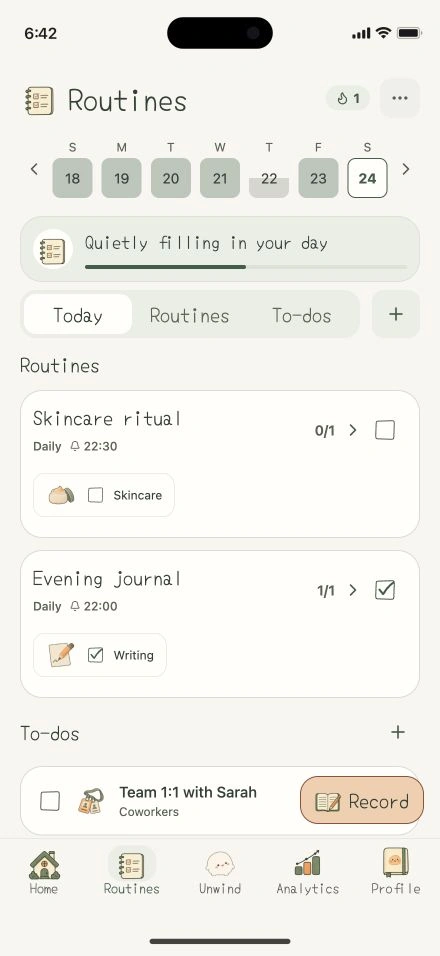
The v1.5 preview illustrates a system where routines and todos are managed alongside your calendar. While Daylio uses goals that tie into activity logs, ViviDiary separates the concept of a daily task from the mood entry itself. You can check off your routines and todos as you go about your day, keeping your practical tasks visible next to your emotional record. This setup is designed for users who want their habit tracking and their journaling to live in the same application, but do not necessarily need the application to mathematically correlate the two.
Furthermore, ViviDiary includes an optional separate Mochi space. In this environment, Mochi roams near a leaf, rock, or flower and responds to touch. It is critical to understand how this differs from other applications in the market. As noted in our Finch vs ViviDiary comparison, there are no journal or routine points, and the application does not feature level or growth coupling. The Mochi space is entirely decoupled from your productivity or mood data. It exists simply as a separate, interactive element within the application, rather than a gamified reward system tied to your daily logging.
Practical Limitations and Constraints
When making a decision between these two applications, it is important to consider the practical limitations and constraints of both platforms based on their documented features.
For Daylio, users should note that store plans may vary. The availability of certain features, such as unlimited PDF/CSV exports, advanced daily, weekly, and monthly goals, or specific cloud-storage backup options, may depend on the specific subscription tier you select in your region. Additionally, users who prefer a more narrative, free-form journaling experience might find Daylio's heavy reliance on predefined activities and statistical correlation to be overly structured for their needs.
The ViviDiary website shows a v1.5 preview; the current store build may differ. AI conversation is absent from this preview. Check the privacy, backup and export options in the build you intend to use. This comparison does not verify a direct Daylio-to-ViviDiary import path, and an undocumented option should not be treated as absent. Keep your existing records while you compare new entries. Current availability is listed on our download page.