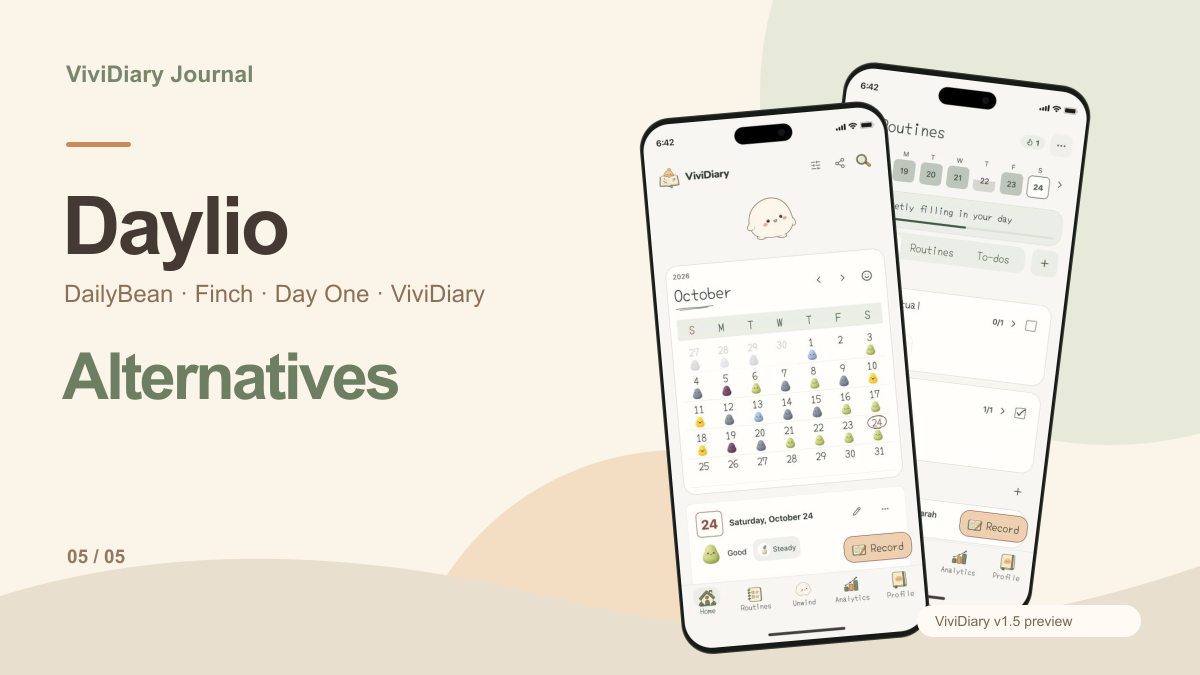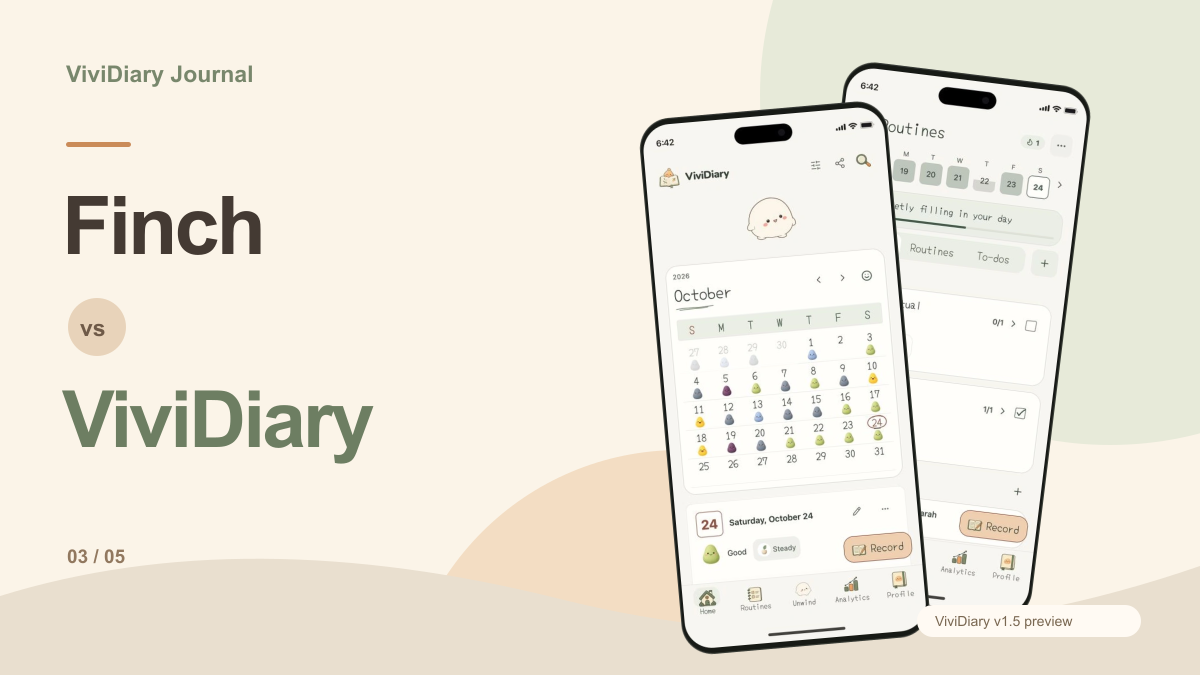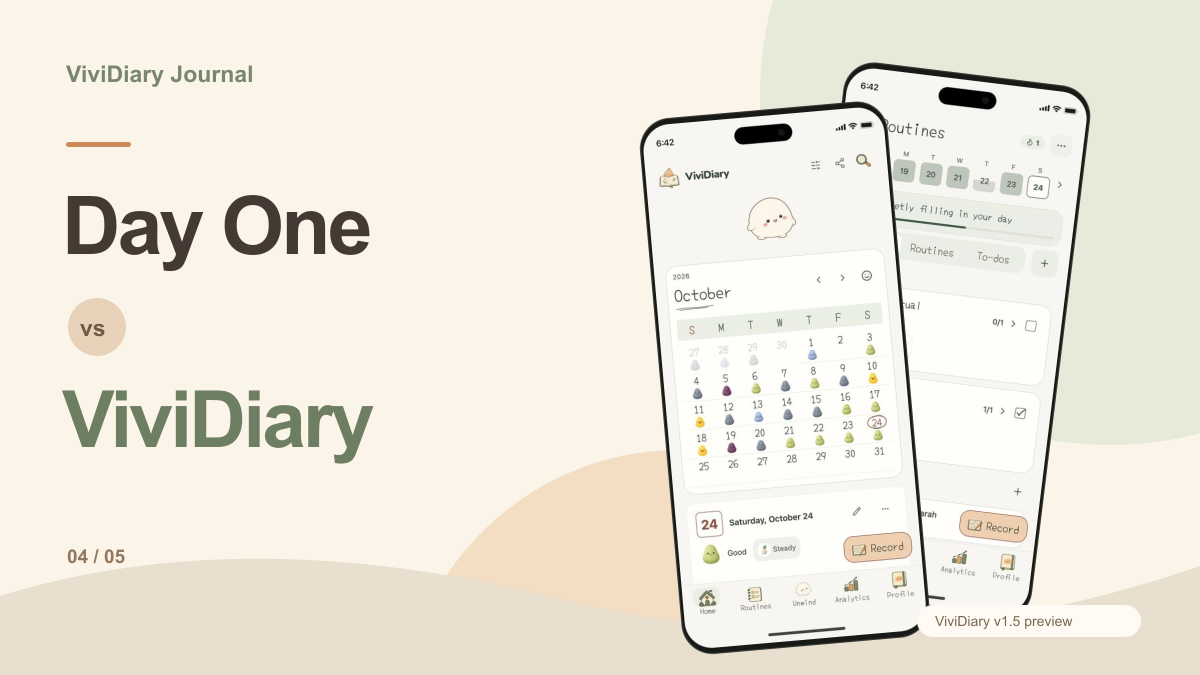
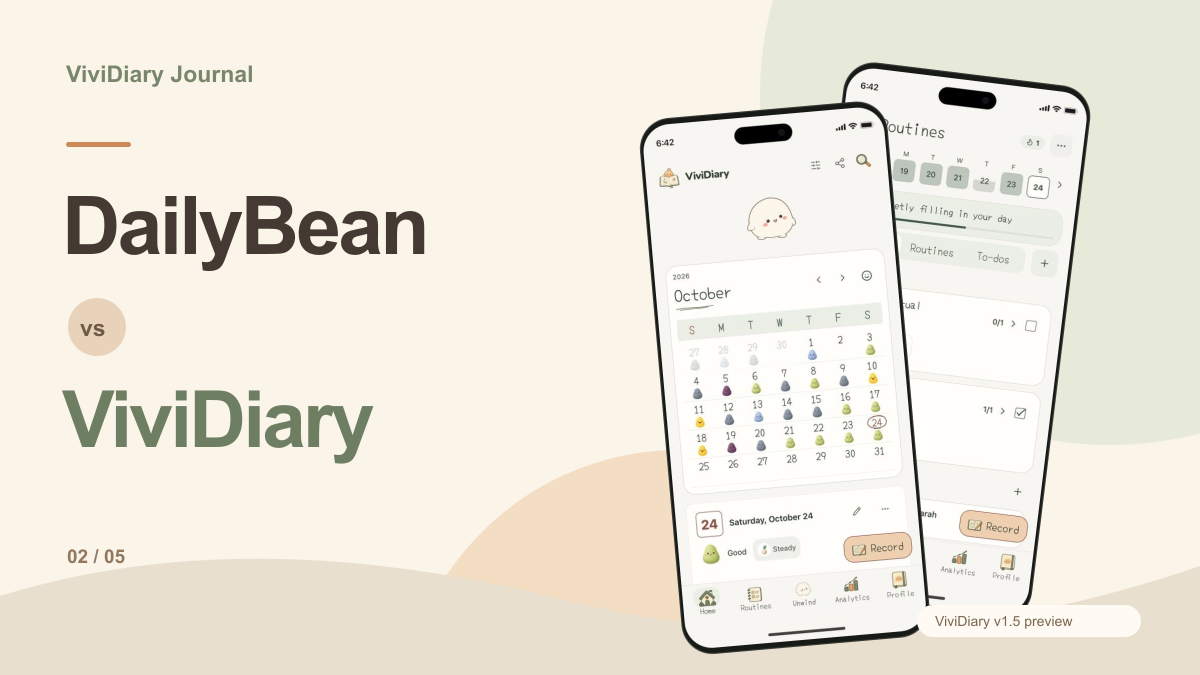
Methodology and Scope Note: We are the team behind ViviDiary. This is a desk-researched comparison of official documentation and our v1.5 preview, not an independent review or hands-on testing of competitor apps. Sources were checked on 2026-10-26. This comparison uses the ViviDiary v1.5 preview shown on our site; current store builds and subscription plans may differ. AI conversation is NOT present in that preview.
When choosing a cute visual journal, the decision often comes down to how you prefer to interact with your daily records. DailyBean offers a highly structured, data-rich environment with customizable category blocks and health integrations. ViviDiary provides a character-driven experience with a roaming interactive companion alongside core mood and routine tracking. If you want a diary that pulls in weather and sleep data to contextualize your mood beans, DailyBean is the clear choice. If you prefer a dedicated space where a character responds to your touch while you log your five daily moods and routines, ViviDiary offers a distinct alternative.
Making Your Final Decision
There is a fair and explicit case for choosing DailyBean. If you require a highly customizable interface with category blocks, visual themes, and automatic integration with your device's health and weather data, DailyBean is the superior choice. Its established feature set provides a comprehensive and data-rich journaling experience.
However, if you are drawn to a character-driven experience and prefer a dedicated interactive space alongside your daily logs, ViviDiary offers a unique alternative. The inclusion of audio notes and a roaming character provides a different flavor of visual journaling. If you are ready to try it, you can download ViviDiary. For those still weighing their options, our Daylio vs ViviDiary mood tracker and Day One vs ViviDiary journal comparisons offer further insights.
| Feature/Criteria | DailyBean | ViviDiary (v1.5 Preview) |
|---|---|---|
| Core Mood Logging | Mood bean selection | Five moods |
| Activity Tracking | Customizable category blocks | Optional emojis, routines, todos |
| Media Support | Short note and photo | Notes, photos, and audio |
| Interactive Elements | Visual themes | Optional roaming Mochi space |
| Data Integrations | Health, sleep, weather in the publisher description | Check available sleep/step options and permissions in the current build |
| Analytics | Yes | Pattern analytics |
| Security | Lock and backup in the publisher description | Check current privacy and backup settings |
Visual Journaling and Daily Capture
The core of any visual journal is how it handles daily capture. DailyBean utilizes a mood bean selection system, allowing users to quickly log their feelings using expressive, colorful beans. This is supplemented by activity, routine, and meal icons, as well as the ability to add a short note and a photo. The emphasis is on quick, categorized logging that builds a comprehensive visual calendar over time.
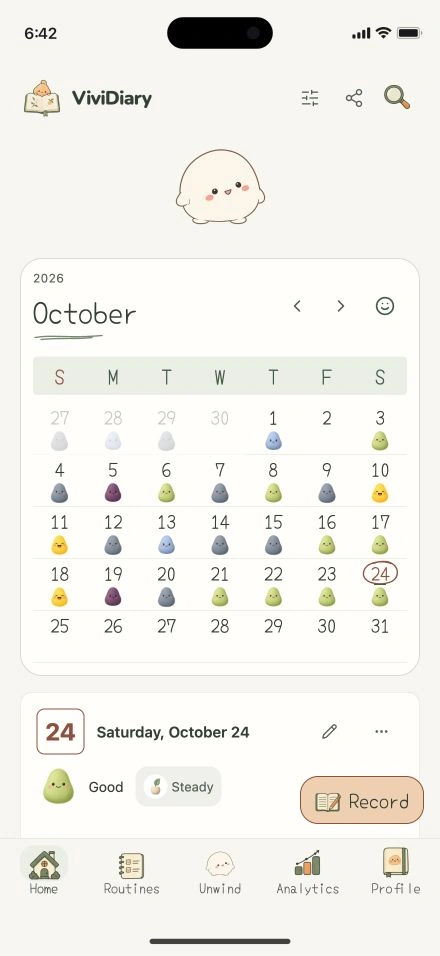
ViviDiary approaches daily capture with a system based on five moods, supplemented by optional activity emojis, notes, photos, and audio recordings. The inclusion of audio provides an alternative input method for users who prefer speaking over typing. You can inspect the current preview at ViviDiary website. Both apps aim to make the daily logging process visually appealing, but they structure the input differently. DailyBean leans heavily into its customizable category blocks, while ViviDiary integrates these inputs into its broader pattern analytics.
Custom Blocks and Activity Tracking
DailyBean's official App Store description highlights its customizable category blocks. This feature allows users to tailor their tracking experience extensively. If you want to track specific hobbies, meals, or social interactions, you can set up blocks dedicated to those categories. This level of customization ensures that the data you collect is highly relevant to your personal goals and lifestyle.
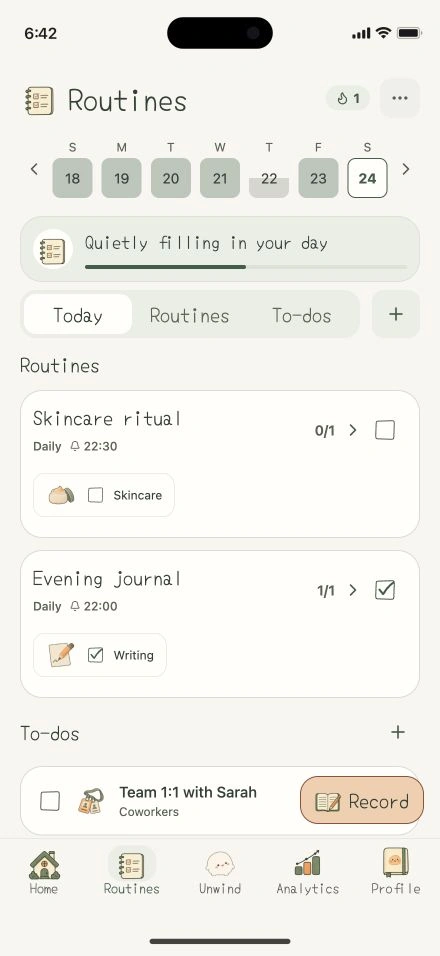
ViviDiary, as seen in the v1.5 preview, includes routines and todos alongside its mood tracking. While it offers optional activity emojis, it does not currently advertise the same extensive block-based category customization as DailyBean. Instead, ViviDiary focuses on integrating routines directly into the daily logging flow. For users interested in different approaches to daily tracking, you might also explore our Daylio alternatives app comparison.
The Role of Interactive Elements
A significant divergence between the two apps lies in their interactive elements. DailyBean relies on visual themes and a beautifully designed calendar to keep users engaged. The cute log bean is a static representation of your mood, and the customization comes from changing the visual themes of the app itself.
ViviDiary introduces an optional separate Mochi space. In this space, the character Mochi roams near a leaf, rock, or flower and responds to touch. This is not a pet simulation with journal points, levels, or growth coupling; rather, it is a dedicated interactive environment designed to provide a different type of visual engagement. A cute log bean is not the same as a roaming interactive character, and this distinction will likely be a major deciding factor for many users. If you are curious about other character-based apps, check out our Finch vs ViviDiary pet journal comparison.
Analytics and Health Integrations
Understanding your data is crucial for long-term journaling. DailyBean excels in this area by offering robust analytics combined with health, sleep, and weather integration. By pulling in this external data, DailyBean can help users identify correlations between their physical environment, their sleep quality, and their mood beans. This makes it a powerful tool for users who want a holistic view of their well-being.
ViviDiary's v1.5 preview features pattern analytics based on the manual inputs, routines, and todos you provide. It does not currently advertise automatic health or weather integrations. The focus is on analyzing the patterns within the data you actively choose to log. For a broader look at how different apps handle data, you can read our guide on mood tracker apps ranked 2026.
How to Evaluate Your First Week
When testing either app, we suggest running a hypothetical one-week evaluation to see which fits your lifestyle better.
First, check the friction of daily capture. Do you prefer tapping through DailyBean's customizable category blocks, or do you prefer ViviDiary's five moods and optional audio notes? Second, evaluate the visual feedback. Does looking at DailyBean's visual calendar and themes provide the satisfaction you need, or do you find yourself wanting to interact with ViviDiary's Mochi space? Third, review the analytics. Does DailyBean's integration with your sleep and weather data provide valuable insights, or are ViviDiary's pattern analytics sufficient for your needs? You can also try applying the scrap a day journaling method during this trial period.
Proposed Evaluation: Choosing Your Visual Journal
To determine which application aligns with your daily logging habits, this proposed evaluation provides a structured exercise to test both platforms. After logging several entries in either application, you can use the following criteria to analyze your experience, focusing on daily capture methods, the role of interactive elements, and the practicalities of data management.
Assessing Daily Capture and Custom Blocks
The first step in this proposed evaluation is to review how each application handles the daily input of your routines, moods, and activities. After recording a week of entries, examine the efficiency and flexibility of the capture process to see which interface best matches your habits.
If you are testing DailyBean, evaluate the utility of its customizable category blocks. The application allows you to select a mood bean and utilize specific icons for activities, routines, and meals. You should also check how your short notes and photos integrate with the automated health, sleep, and weather data. Consider whether these automated integrations reduce your manual logging time and if the customizable blocks accurately reflect your daily life.
When evaluating the ViviDiary v1.5 preview, focus on its specific capture tools. The platform offers five distinct moods and allows for optional activity emojis, notes, and photos, alongside an audio recording option. Review how the routines and to-dos function alongside the daily calendar. The exercise here is to determine if the inclusion of audio notes and specific to-do tracking in ViviDiary serves your daily capture needs better than the automated health and weather integrations provided by DailyBean.
Distinguishing Decorative Elements from Utility
A core component of this proposed evaluation involves separating functional analytics from purely decorative or interactive features. Both applications utilize cute aesthetics, but they deploy them differently, requiring you to assess what you actually find useful during a daily review.
In DailyBean, the aesthetic elements are directly tied to your data. The mood bean selection and visual themes populate the calendar and feed directly into the analytics. Evaluate whether this integrated visual approach helps you better understand your mood patterns over time, as the cute elements are strictly functional data points.
Conversely, ViviDiary offers a distinct approach to its interactive elements. The application includes an optional, separate Mochi space. In this area, a character named Mochi roams near a leaf, rock, or flower and responds to touch. It is necessary to recognize that a cute log bean used for data entry is not the same as a roaming interactive character. Furthermore, in the current ViviDiary preview, this interactive space is not coupled with journal points, routine points, or character growth levels. Your evaluation task is to decide if you prefer your interactive elements to be a separate, touch-responsive environment like the Mochi space, or if you prefer aesthetic elements that function strictly as data points.
Preserving Records and Justifying a Switch
The final step in this proposed evaluation addresses the practicalities of long-term journaling, specifically focusing on how to preserve your existing records and what factors would justify staying with your current application instead of switching to a new one.
If you are currently using DailyBean, you must consider its existing infrastructure for data preservation. The application includes built-in lock and backup functionalities. When deciding whether to switch, evaluate the importance of these features. If you have accumulated significant historical data utilizing DailyBean's customizable category blocks, visual calendar, and pattern analytics, you must weigh the value of maintaining that continuous, backed-up record.
When looking at ViviDiary, the current v1.5 preview highlights pattern analytics, routines, and the interactive Mochi space, but it does not detail import or export capabilities. Therefore, if you are considering a switch to ViviDiary, the justification must rely on its unique active features—such as the audio recording capabilities or the separate interactive Mochi environment—outweighing the need to continuously build upon your existing DailyBean backups. If the automated health, sleep, and weather integrations of DailyBean are critical to your daily analysis, that remains a primary justification for staying with your current setup until you have checked the corresponding options, device support and permissions in the exact ViviDiary build you would use.