When you have spent months or years tracking your moods and activities in one application, deciding to move to a new platform requires careful consideration. Daylio has long been a staple for users who want to record their days through mood and activity selection, notes, templates, photos, and voice memos. It offers list, calendar, and search views, alongside mood and activity correlation statistics, daily, weekly, and monthly goals, and export options like PDF and CSV backed by cloud storage. However, if your journaling needs have evolved, you might be looking for a different approach.
Scope Note: This comparison includes details of the ViviDiary v1.5 preview as currently shown on our site. Store builds and subscription plans may differ from this preview. Please note that AI conversation features are absent from this preview. Distinguish these preview-specific features from current public download availability when making your decision.
Methodology Disclosure: This article is an editorial comparison written by the team behind ViviDiary. It is a desk-researched roundup based on official documentation and our v1.5 product preview, not an independent review or hands-on testing of competitor apps. Sources were checked on 2026-10-26. We do not assign numerical scores or declare a universal winner.
Feature Comparison Table
| Feature Focus | Daylio | DailyBean | Finch | Day One | ViviDiary (v1.5 Preview) |
|---|---|---|---|---|---|
| Primary Interaction | Icon selection & stats | Visual block categories | Gamified pet adventures | Rich text & multimedia | Moods, routines & Mochi space |
| Mood Tracking | Yes (Customizable) | Yes (Bean themes) | Integrated into reflections | Via tags/templates | Yes (Five core moods) |
| Journaling Style | Short notes & photos | Short notes & photos | Guided reflections | Long-form rich text | Optional notes, photos, audio |
| Routines/Goals | Daily/weekly/monthly goals | Routine icons | Energy-yielding goals | Reminders | Integrated routines & to-dos |
| Character/Pet | None | None | Active pet (growth tied to goals) | None | Separate Mochi (no point coupling) |
| Analytics | Mood/activity correlation | Pattern analytics | Goals/reflections and pet history; not exhaustively evaluated | On This Day / Search | Pattern analytics |
| Export Options | PDF, CSV | Backup available | Backup available | PDF, JSON, Text, CSV (varies) | Not specified in preview |
Understanding the Baseline: Why Look for Daylio Alternatives?
Daylio provides a highly structured, icon-driven approach to logging your life. You select a mood, tap a few activities, and optionally add a note or a photo. Over time, this builds a database of correlations—showing you, for example, that you often feel happy when you exercise.
However, users often seek alternatives when they want a different primary interaction model. Some users want a more visual, theme-driven interface. Others want their journaling to actively motivate them through gamification or virtual pets. Still, others realize they want to write long-form, rich-text entries with multiple photos and videos, turning their tracker into a comprehensive digital archive. Finally, some users want a blend of routines and journaling with a companion character that isn't directly tied to their productivity.
If you are considering a switch, you must first identify which of these interaction models best fits your current lifestyle. You can read more about specific feature comparisons in our Daylio vs ViviDiary mood tracker breakdown, or explore broader market trends in our How We Feel vs Daylio 2026 comparison.
DailyBean: The Visual Diary Approach
For users who appreciate Daylio's icon-based logging but want a different aesthetic and layout, DailyBean presents a strong alternative. According to the publisher's App Store description, DailyBean centers around mood bean selection and activity, routine, and meal icons.
Instead of a standard list, DailyBean focuses heavily on customizable category blocks and visual themes. You can record a short note and a photo alongside your selected icons. The interface is highly visual, featuring a prominent calendar view that fills with colored beans representing your daily moods.
DailyBean also includes analytics to track your patterns over time, and integrates with health, sleep, and weather data to provide more context to your entries. It offers lock and backup features to keep your data secure.
If you are evaluating DailyBean, consider whether the block-based interface and specific aesthetic appeal to you more than Daylio's standard layout. It is an excellent choice for those who want a highly visual, customizable, and straightforward logging experience. For a deeper dive into this style of app, check out our DailyBean vs ViviDiary cute diary article.
Finch: Active Pet-Based Self-Care
Finch takes a radically different approach to daily tracking. Instead of simply recording what happened, Finch uses gamification to encourage self-care and goal completion. According to the official Finch New User Guide, completing goals gives you energy for adventures.
In Finch, your goals, reflections, and self-care activities are all part of a core loop designed to send your virtual pet on an adventure. When your pet returns, it comes with a story. However, it is important to note that not every chat yields a discovery. As detailed in the Finch Discoveries documentation, adventure discoveries can produce likes and dislikes that are recorded in your pet's profile, but these are not guaranteed on every adventure.
Choosing Finch means moving away from a traditional diary and embracing an active, motivational tool. If you find that simply logging a bad mood in Daylio doesn't help you change it, Finch's system of rewarding positive actions might be the shift you need. You are not just archiving your day; you are actively participating in a gamified self-care routine.
Day One: The Multimedia Archive
If your frustration with Daylio stems from a desire to write more and include richer media, Day One is the industry standard for comprehensive digital journaling. According to official Day One features, the app supports rich text and markdown formatting, allowing for detailed, beautifully formatted entries.
Unlike quick mood trackers, Day One is built for depth. You can maintain multiple journals, embed photos, video, and audio, and utilize calendar and reminder features. It includes a robust search function and an "On This Day" feature to revisit past entries. Crucially for privacy-conscious users, Day One offers end-to-end encryption, though some features are platform-dependent.
When it comes to exporting your data, Day One provides multiple options, though availability differs by platform. Formats include PDF, JSON, Plain Text/Markdown, and on some platforms, CSV.
Day One is the ideal alternative if you want to transition from quick icon taps to detailed, multimedia storytelling.
ViviDiary: Journal, Routine, and a Separate Character Space
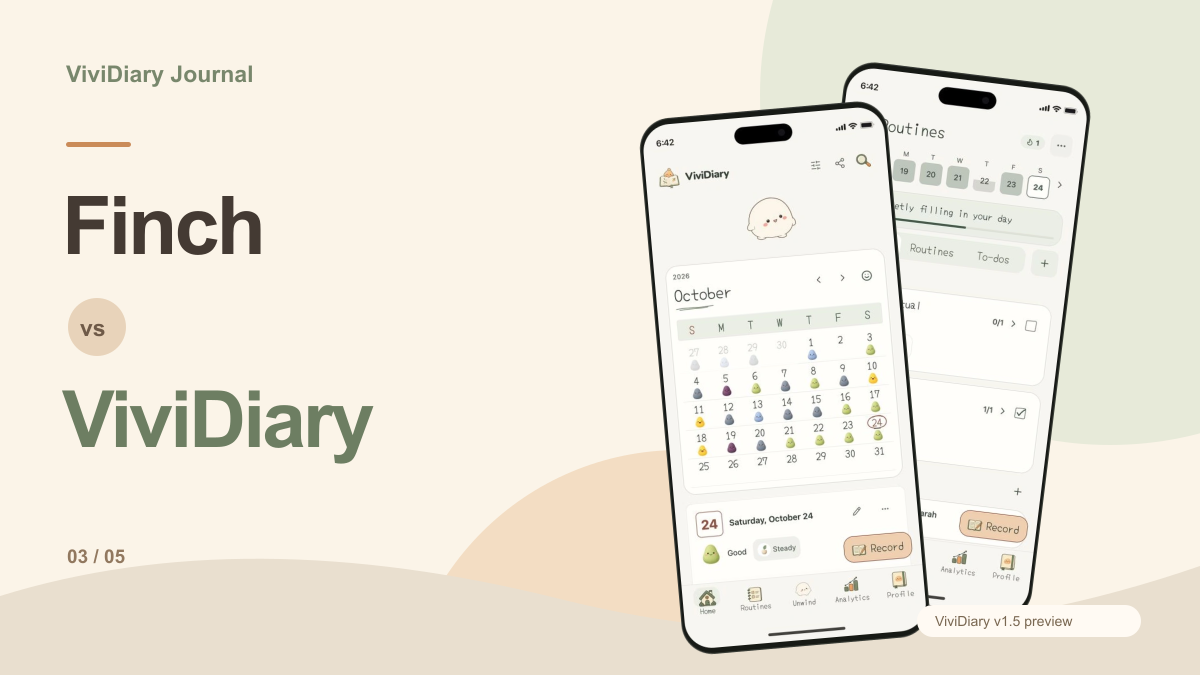
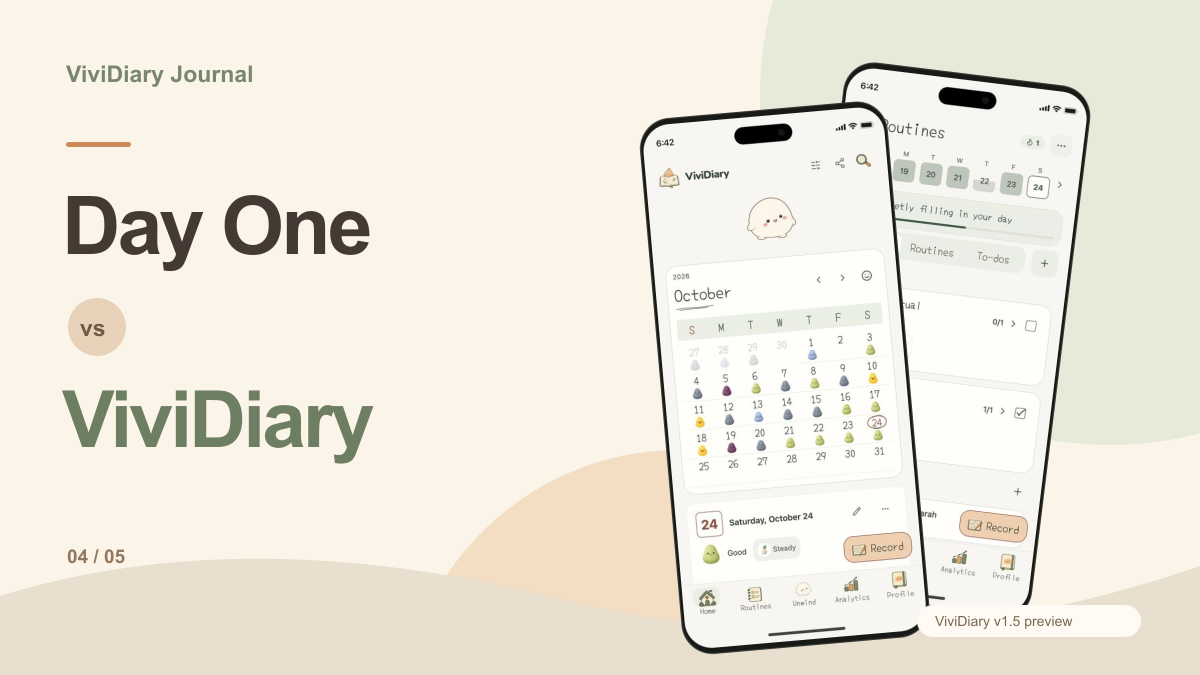
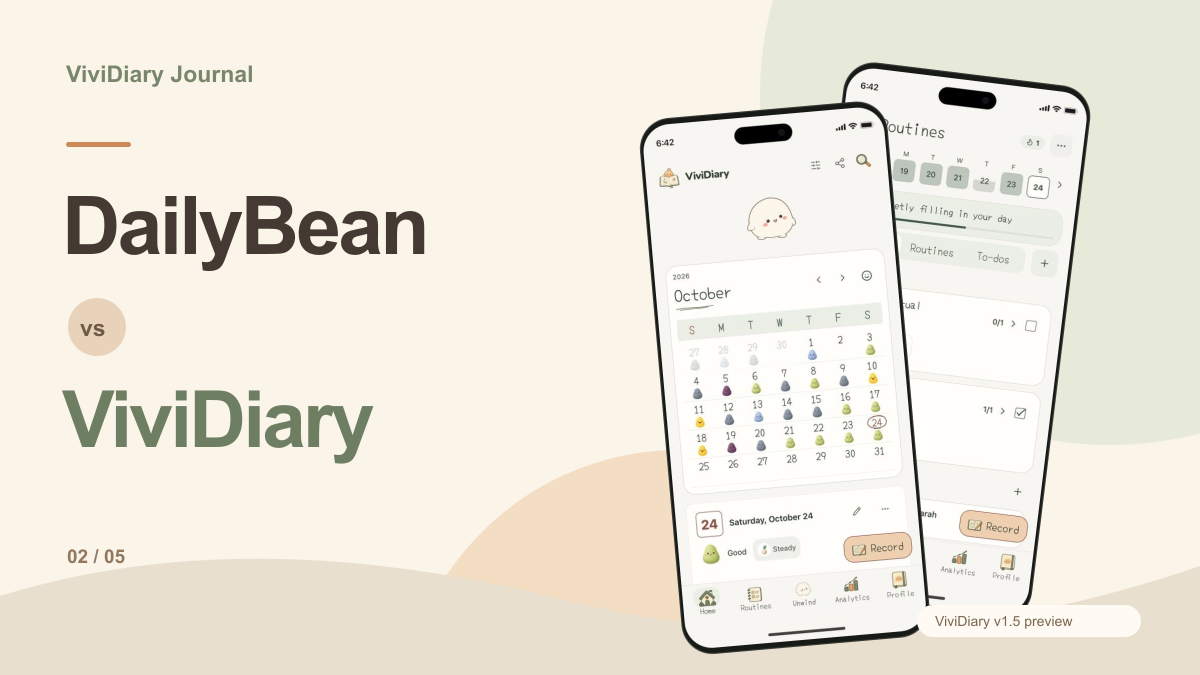
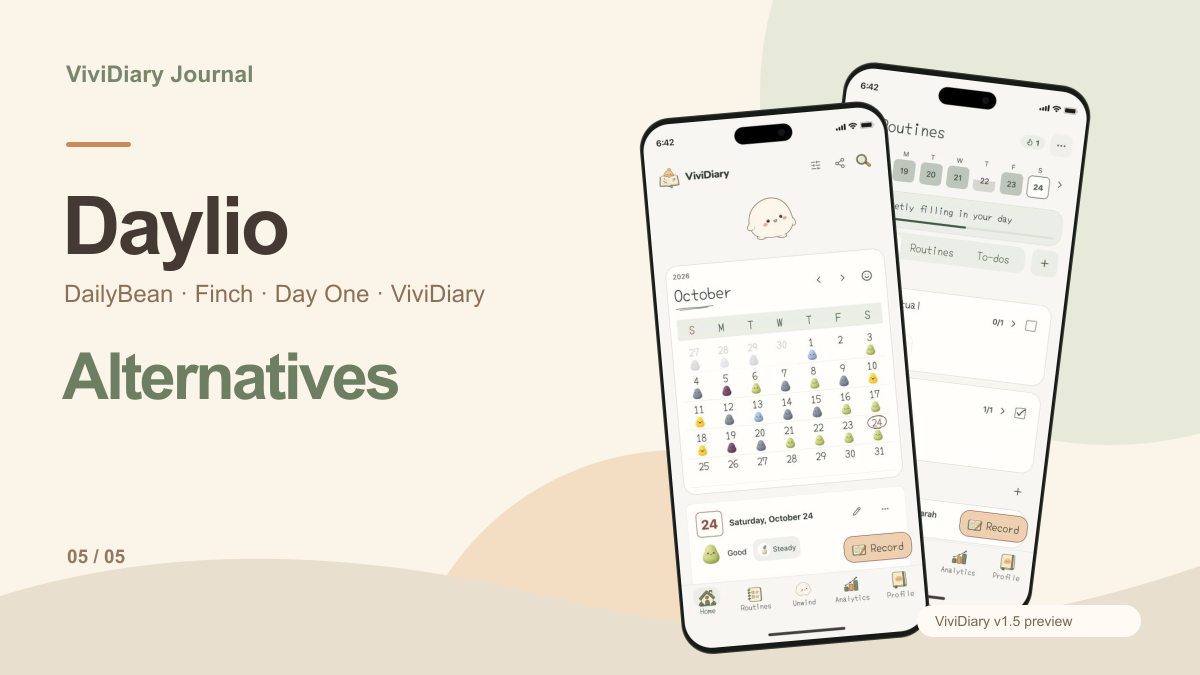
Our own app, ViviDiary, offers a different combination of features. Based on the current v1.5 preview available to inspect at ViviDiary website, ViviDiary combines mood tracking with routines and a unique character interaction model.
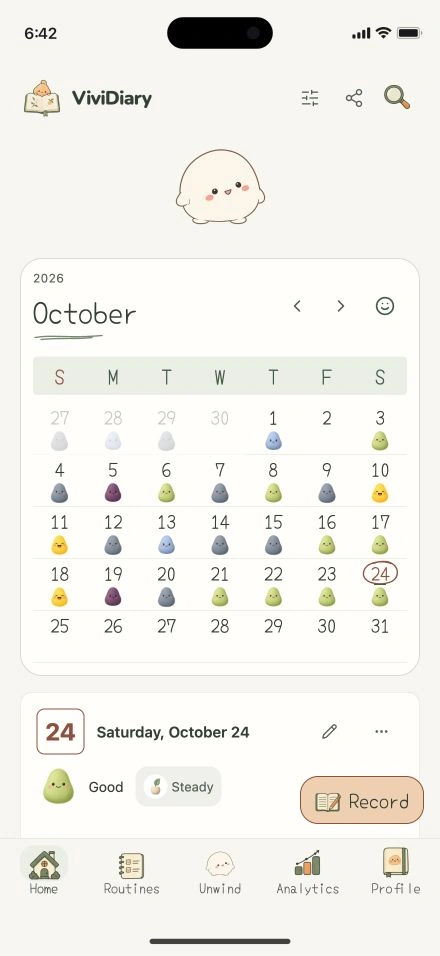
The preview illustrates a system with five core moods, alongside optional activity emojis, notes, photos, and audio. Like Daylio, it includes a calendar and pattern analytics to help you understand your trends over time. However, ViviDiary also integrates routines and to-dos directly into the daily logging experience.
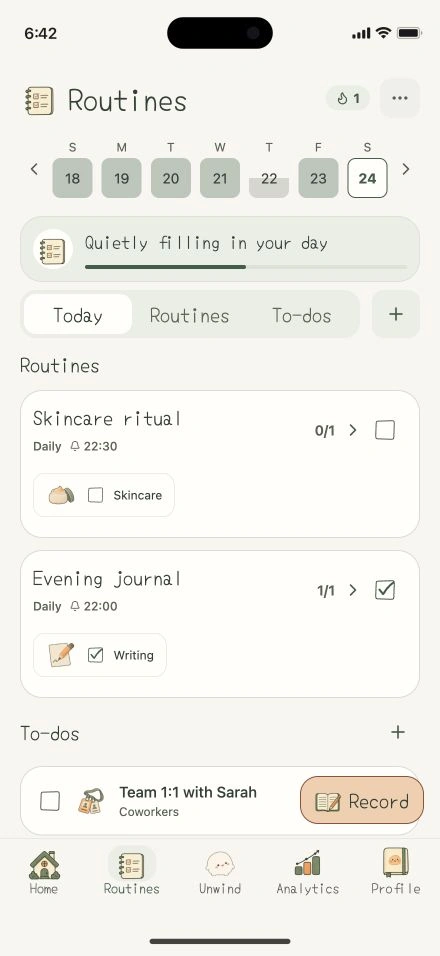
What sets ViviDiary apart in this preview is the optional separate Mochi space. Mochi is a character that roams near a leaf, rock, or flower and responds to touch. Crucially, there is no journal or routine points system, and no level or growth coupling. Your journaling remains a private, un-gamified space, while the character provides a separate, relaxing interaction.
If you want the structure of routines and mood tracking without the pressure of keeping a virtual pet alive through your productivity, you can learn more and download the current public version to see if the core philosophy matches your needs. You might also find our scrap-a-day journaling method helpful when setting up your new routine.
Switching Checklist: Preserving Your Data
Before switching, check how your existing app exports records and whether the destination accepts that exact format. This comparison has not verified a direct Daylio import path for each alternative, so it does not establish that such tools are available or unavailable. Keep the original archive and test a small sample before deciding how much history to transfer.
- Export Your Daylio Data: Use Daylio's built-in export tools to generate a PDF for visual reading and a CSV file for raw data backup. Store these securely in your preferred cloud storage.
- Define Your New Goals: Are you tracking to find correlations, to motivate yourself, or to preserve memories? Let this guide your app choice.
- Run a One-Week Parallel Test: Do not delete Daylio immediately. Pick your chosen alternative and run it alongside Daylio for seven days.
- Evaluate the Friction: After a week, ask yourself which app you naturally opened first. Did the gamification of Finch feel rewarding or exhausting? Did the visual layout of DailyBean make logging easier? Did you actually use the rich text features in Day One?
- Commit and Archive: Once you are comfortable with your new choice, archive your Daylio exports and transition fully to the new platform.
Practical Limitations
It is vital to recognize the practical limitations of any digital diary. No app will magically fix your habits. If you struggled to open Daylio, you might also struggle to open a new app after the initial novelty wears off.
A switch can also split the history you use for comparisons. Unless you have verified a compatible import path, do not assume that previous mood charts will transfer into another app. Keep the existing archive and compare a sample of new entries first. Staying with an app you already understand may be the better decision if the proposed alternative adds visual novelty but does not answer a new question about your records.
Ultimately, the best Daylio alternative is the one that aligns with how you want to interact with your daily records today, not necessarily how you tracked them in the past.