

Quick Verdict: Which Desktop Diary Wins?
Apple Journal on macOS Tahoe is a beautifully designed, free desktop diary for users deeply embedded in the Apple ecosystem who enjoy long-form writing and media-rich entries. However, it lacks cross-platform support, habit tracking, and advanced export tools.
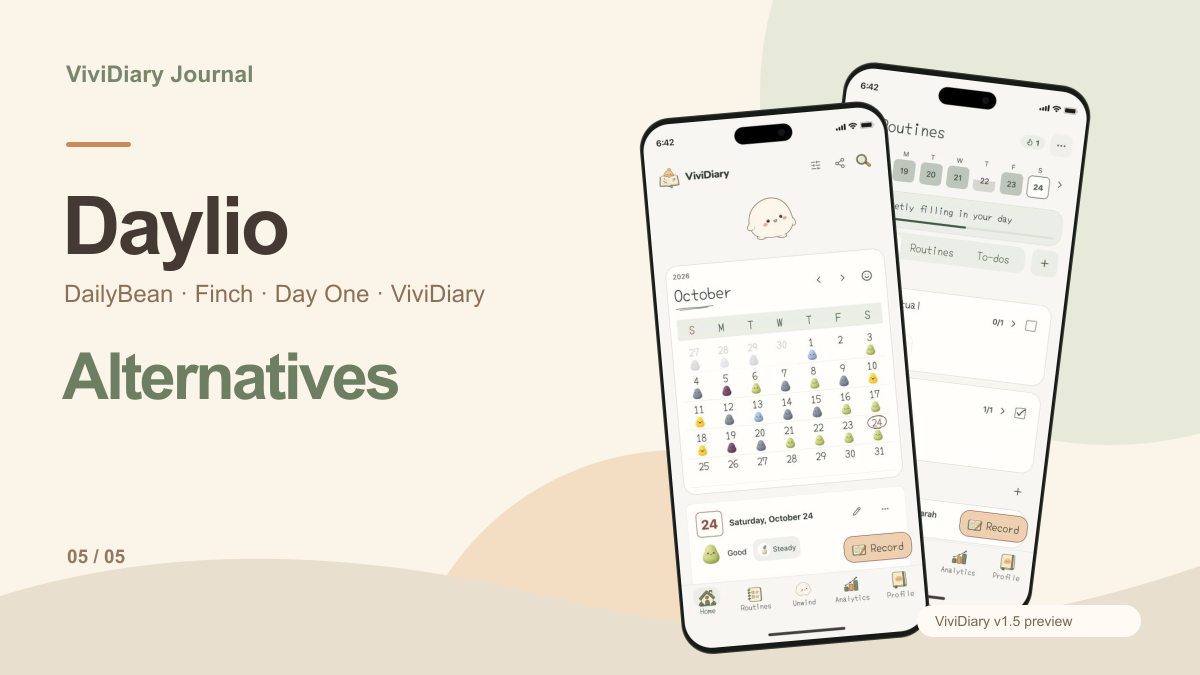
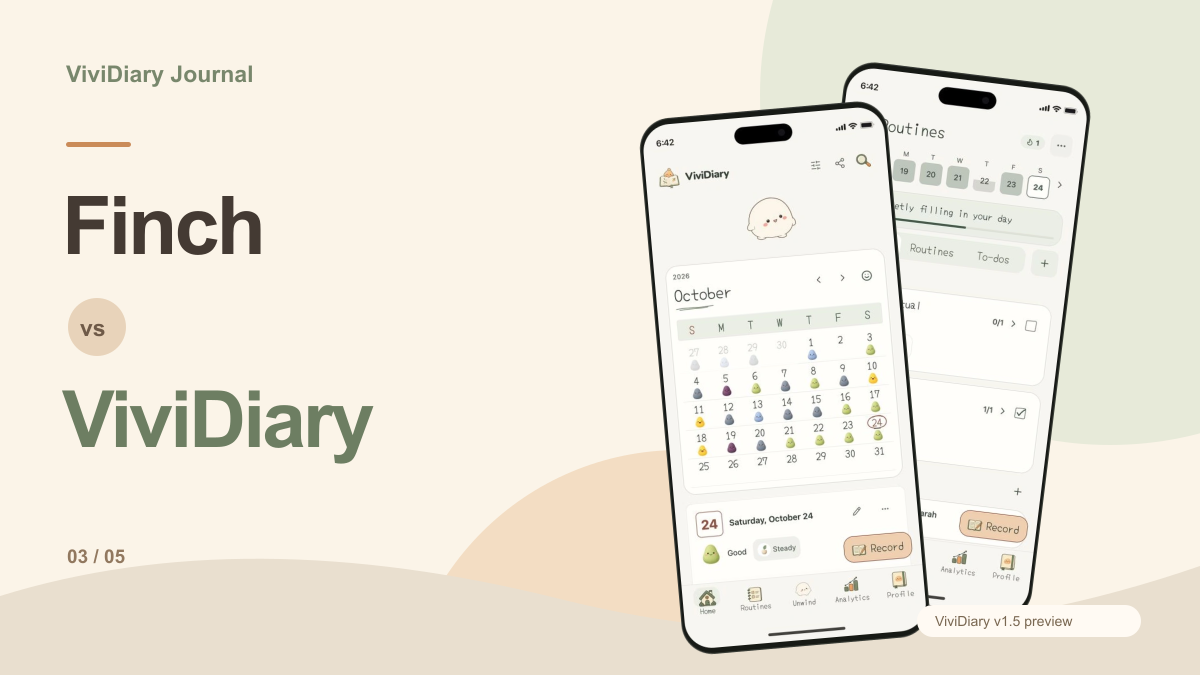
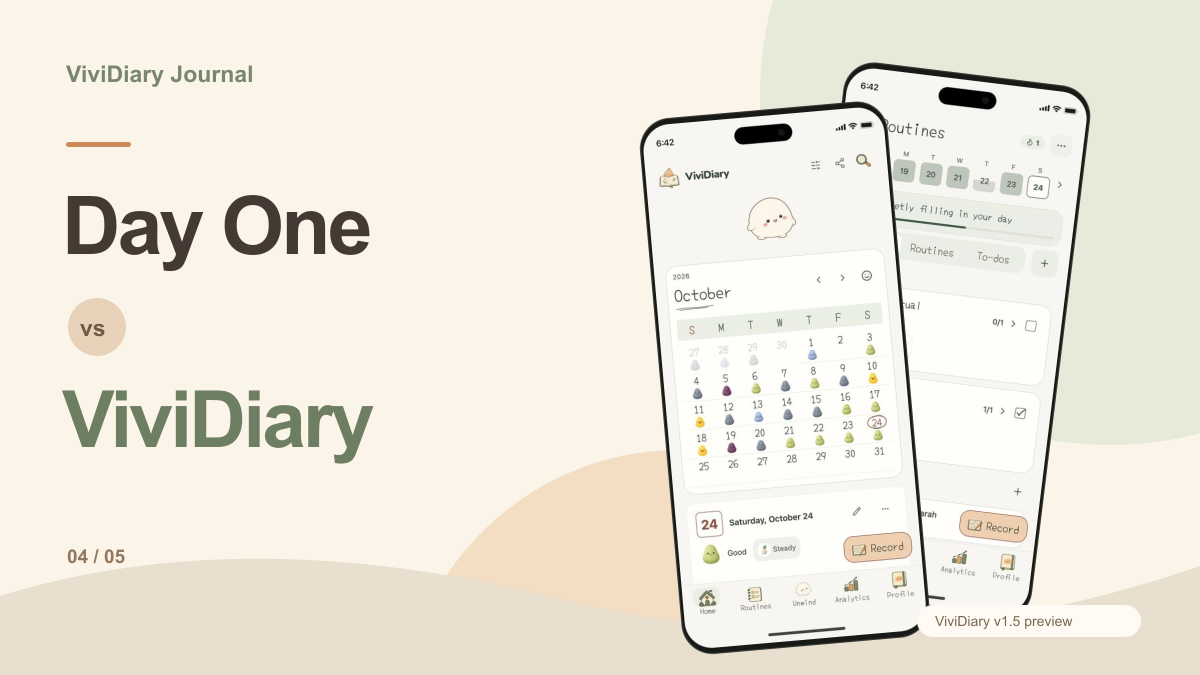
If you need meticulous organization, Day One remains the premium king. But if you prefer quick, under-30-second emoji-based mood logging and light routines over typing paragraphs, a cloud-based, privacy-first modular tracker like ViviDiary is the superior alternative.
---
Apple Journal on Mac: The One-Year Review
For an entire year, Apple Journal existed in a strange state of limbo. It was an iPhone-exclusive app that practically begged for a physical keyboard. We saw the first glimpse of expansion with the Apple Journal iPad app, but power users were left waiting.
With the release of macOS Tahoe in 2026, Apple finally brought its native Journal app to the Mac. The landscape of desktop journaling has shifted significantly as a result. Previously, if you wanted a seamless, cross-device journaling experience on Apple hardware, you had to pay for a third-party app. Now, macOS Tahoe offers a frictionless, built-in entry point for users who want a simple, secure place to brain-dump throughout the day.
Having tested Apple Journal on Mac extensively over the past month—alongside its heaviest competitors—I can confidently say it is a fantastic digital scrapbook. But is it a complete journaling system? That depends entirely on how your brain works.
Feature & Pricing Comparison: Apple Journal vs. Day One vs. ViviDiary
My credibility depends on fair, data-driven analysis. To figure out where Apple Journal stands in the 2026 desktop market, we need to compare it against the premium heavyweight (Day One) and the modern modular tracker (ViviDiary).
| Feature | Apple Journal (macOS Tahoe) | Day One (Premium) | ViviDiary |
|---|---|---|---|
| Pricing | Free (Included with macOS/iOS) | Free tier / $34.99/yr | Free / $2.99/mo or $11.99/yr |
| Core Philosophy | Long-form writing & media scrapbook | Structured, archival life-logging | Modular mood & pattern discovery |
| Platforms | iOS, iPadOS, macOS only | iOS, Mac, Android, Web | iOS, Android |
| Input Method | Blank page, text-heavy, media attachments | Text, templates, audio, photos | Under 30s taps (Mood + Emoji), optional text |
| Goal Tracking | None | Streaks (can cause pressure) | Gentle routines (No streaks, no guilt) |
| Privacy & Architecture | iCloud E2E Encryption | E2E Encryption (Premium only) | Privacy-first cloud (Supabase), text de-identified |
| Export / Lock-in | High lock-in (Limited export) | Excellent (PDF, JSON, CSV) | Data portability available |
What macOS Tahoe Got Right (Ecosystem & Media)
Apple Journal on the Mac is undeniably gorgeous. It leverages the broader Apple ecosystem in ways third-party apps simply cannot match at the OS level.
The Suggestions API is Magic The standout feature of Apple Journal remains its intelligent journaling suggestions. Because it has deep system access, the app looks at your photos, locations visited, workouts completed, and music listened to, bundling them into neat little prompts.
Did you take a hike in Yosemite and snap five photos? Apple Journal will surface those photos and ask, "What was the highlight of your trip to Yosemite National Park?" For users who struggle to remember what they did three days ago, this passive data collection is a massive friction-reducer.
A Frictionless Entry Point Because it is completely free and built-in, Apple Journal serves as an excellent gateway. You don't have to evaluate subscription tiers or create a new account. You just open the app and type. For many users, this is exactly what they need: a simple, secure place to clear mental clutter.
The Dealbreakers: Lock-in and Paragraph Fatigue
Despite its beauty, Apple Journal on macOS Tahoe is not a one-size-fits-all solution. In fact, for a specific type of user, it falls completely flat.
The Apple Ecosystem Trap Apple Journal is, by design, an ecosystem lock-in tool. If you use a Windows PC at work or carry an Android phone, you are entirely out of luck. There is no web portal.
For users who refuse to be tied down to one hardware manufacturer, you have to look at cross-platform journaling apps. Day One, for instance, offers robust support across Android and the Web. If you're hunting for the best cross platform journal apps, Apple Journal won't even make the list.
The "Power User" Ceiling Apple Journal lacks advanced organizational tools. There are no tags, no multiple journals (e.g., separating a "Work Journal" from a "Personal Journal"), and the export options are notoriously weak.
Day One remains the premium choice here. Recognizing Apple Journal as a gateway app, Day One actually introduced a dedicated import tool in May 2026 to easily migrate users who have outgrown Apple's native offering. If you want a deep dive into how these two stack up on mobile, check out our Day One vs Apple Journal on iOS 27 breakdown.
Paragraph Fatigue and the Blank Page Problem This is perhaps the biggest dealbreaker. Apple Journal assumes you want to write. It presents you with a blank page and asks for paragraphs.
But what if you don't have the energy to write? What if you just want to track how your mood correlates with your sleep or your social interactions?
This is where specialized journaling experiences take over. If you're feeling the weight of the blank page, you might be looking for apps to replace Apple Journal.

The Modular Alternative: Why ViviDiary Fits the Gap
If Apple Journal is a blank notebook and Day One is a filing cabinet, ViviDiary is a smart, modular dashboard.
ViviDiary is positioned as a mood and life tracker with the tagline: "Your day, in moods, emojis, and patterns." It solves the "paragraph fatigue" problem by making text entirely optional.
Under 30-Second Check-ins With ViviDiary, the only required input is your Mood (Great, Good, Okay, Low, Rough). Everything else is modular. You can toggle on up to 22 manual emoji modules or 4 HealthKit auto-categories. New users start with everything off except Mood, preventing the overwhelming clutter that plagues other tracking apps. You can log your day in under 30 seconds while waiting for your coffee to brew.
Gentle Focus, Zero Streaks ViviDiary includes an opt-in "Focus" module for Routines and Todos. But unlike almost every other habit tracker on the market, ViviDiary actively refuses to use pressure mechanics.
There are no streaks. There are no "you missed today" guilt notifications. There are no traffic-light progress UIs or completion percentages. A Routine is simply something you want to notice. ViviDiary keeps a gentle personal-best count and auto-links your routines to your mood patterns. It sits beside you; it doesn't coach or scold you.
Privacy-First Architecture Privacy is a critical concern for digital diaries. Apple Journal relies on iCloud encryption. ViviDiary takes a privacy-first approach through data minimization and a secure cloud architecture (Supabase). Before any diary text undergoes external or AI processing (which is an optional, supporting feature—not the core product), it is completely de-identified. Your patterns are yours alone.
The Verdict: Who Should Choose Which App?
The market has fragmented because no single app can serve every type of brain. Here is the final breakdown of who should choose which tool in 2026:
Who Should Choose Apple Journal (macOS Tahoe)? - Apple Purists: You own a Mac, an iPhone, and an Apple Watch, and you never plan to leave the ecosystem. - The Casual Writer: You enjoy writing paragraphs and want your photos and locations automatically suggested to you. - Budget-Conscious Users: You want a beautifully designed app without paying a monthly subscription.
Who Should Choose Day One? - The Archival Power User: You need meticulous organization, tagging, and multiple separate journals. - Cross-Platform Users: You need access to your journal on Android, Windows (via Web), and Mac. - Data Owners: You want robust export options (PDF, JSON, CSV) to ensure your data outlives the app.
Who Should Choose ViviDiary? - The Time-Poor: You want to record your day in under 30 seconds without the pressure of a blank page. - Pattern Seekers: You want to discover how your activities, people, and routines impact your mood over time via the "Mirror" feature. - The Guilt-Free Tracker: You want to track light routines and daily to-dos without the anxiety of breaking a streak or seeing a red "failed" circle.
macOS Tahoe has finally given Mac users the native journaling app they deserved. But if your goal is self-awareness and pattern discovery rather than writing essays, the third-party market is still where the real innovation is happening.