

Quick Verdict
When weighing Apple Intelligence writing tools vs Grammarly for journaling, the winner depends entirely on your tolerance for unsolicited feedback on your feelings. Apple Intelligence offers a gentle, system-level nudge that preserves your tone and processes de-identified data securely. Grammarly, meanwhile, is a strict, premium editor that treats your midnight existential dread like a corporate memo.
However, both tools fall into the same trap: they encourage you to over-edit your personal thoughts. If you find text-heavy journaling exhausting, a modular mood tracker like ViviDiary—which relies on emoji logging and light routines instead of paragraphs—removes the pressure of perfect grammar entirely.
The AI Editing Era: Testing Apple Intelligence vs Grammarly
As a tech reviewer, I spend my life testing productivity tools so you don't have to. Lately, the journaling space has been flooded with AI. We've gone from blank pages to smart prompts, and now, we have AI actively proofreading our diaries.
With the rollout of system-wide AI, we are seeing a fundamental shift in how we write. If you're designing around Apple Intelligence writing tools, you know that the friction of writing is disappearing. But when it comes to a personal diary, is less friction always better? Or are we just sanitizing our souls for the algorithm? Let's look at the data.
Comparison Table: Apple Intelligence vs Grammarly
Here is the head-to-head breakdown. You might want to screenshot this.
| Feature / Tool | Apple Intelligence | Grammarly | ViviDiary (Alternative) |
|---|---|---|---|
| Primary Focus | System-wide tone adjustment & summaries | Aggressive stylistic & grammatical editing | Modular mood & emoji logging |
| Tone Impact | Gentle nudge; preserves raw emotion | Strict; flattens personal voice | N/A (No writing required) |
| Privacy Architecture | Built-in hardware processing (highly secure) | Cloud-based processing | Privacy-first cloud (Supabase), de-identified text |
| Pricing | Free (on supported Apple hardware) | Free tier / Premium ~$144/yr | Free / Premium $2.99/mo or $11.99/yr |
| Best For... | Casual writers wanting quick polish | Academic and professional writing | Visual thinkers avoiding text fatigue |

Pricing, Platforms, and Privacy Analysis
If you're making a purchasing decision, you need to look at the holy trinity of SaaS: cost, ecosystem, and data handling.
Pricing:
Apple Intelligence is free, provided you've already paid the "Apple Tax" by owning a supported iPhone, iPad, or Mac. Grammarly offers a basic free tier, but its advanced AI features—the ones that actually rewrite sentences for tone and clarity—require a Premium subscription costing around $144 a year. That is a steep price to pay just to make sure your diary entries use the active voice.
Privacy:
This is where the divergence is sharpest. A diary is inherently private. ViviDiary protects your privacy through strict data minimization and by ensuring your text is de-identified before any AI processing.
Grammarly, conversely, is cloud-based. It analyzes your text on its servers. While Grammarly has strict enterprise-grade security, the idea of beaming your deepest insecurities to a third-party server just to fix a dangling modifier doesn't sit right with everyone. If you're doing a private journal app comparison, storage architecture is usually the first filter.
The Problem: Why Are We Proofreading Our Feelings?
Here is my core issue with using ai writing tools for diary entries: it fundamentally misunderstands what a journal is for.
When you use Grammarly, the app underlines your fragmented, emotionally charged sentences in angry red and blue lines. It tells you your tone is "uncertain." Of course it's uncertain—you're journaling about a bad breakup at 2 AM! Apple Intelligence is softer, offering a "Friendly" or "Professional" rewrite, but the temptation to tap "Rewrite" means you are letting a language model dictate your emotional record.
We are seeing this across the industry, even with Apple Journal's iOS 27 onscreen awareness. The more AI tries to "help" us write, the further we get from our actual voice. We need to prioritize human reflection over AI slop. Your diary is not a mid-term paper. It does not need to be graded.

The ViviDiary Alternative: Modular Emoji Logging
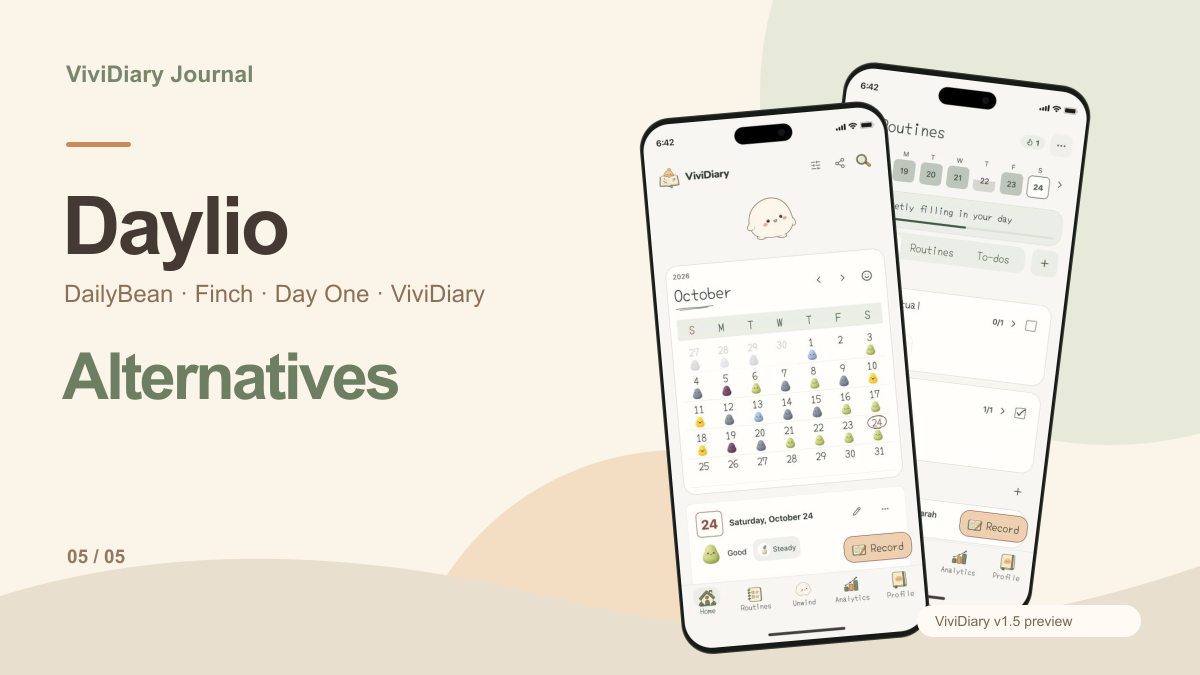
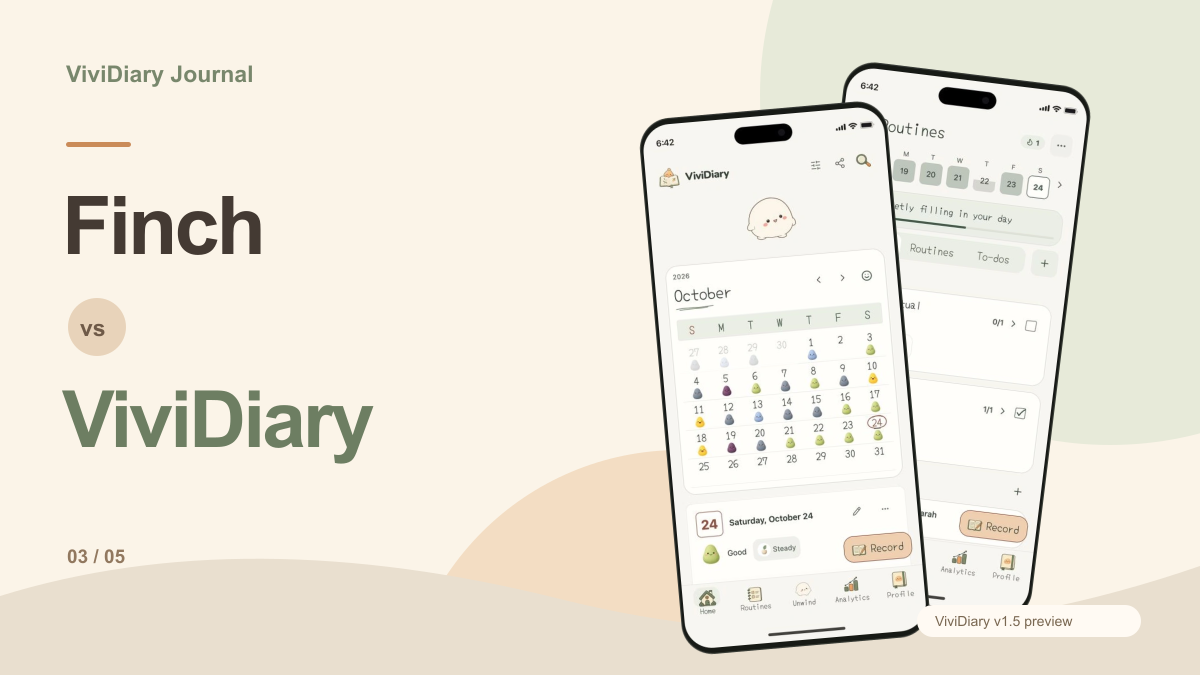
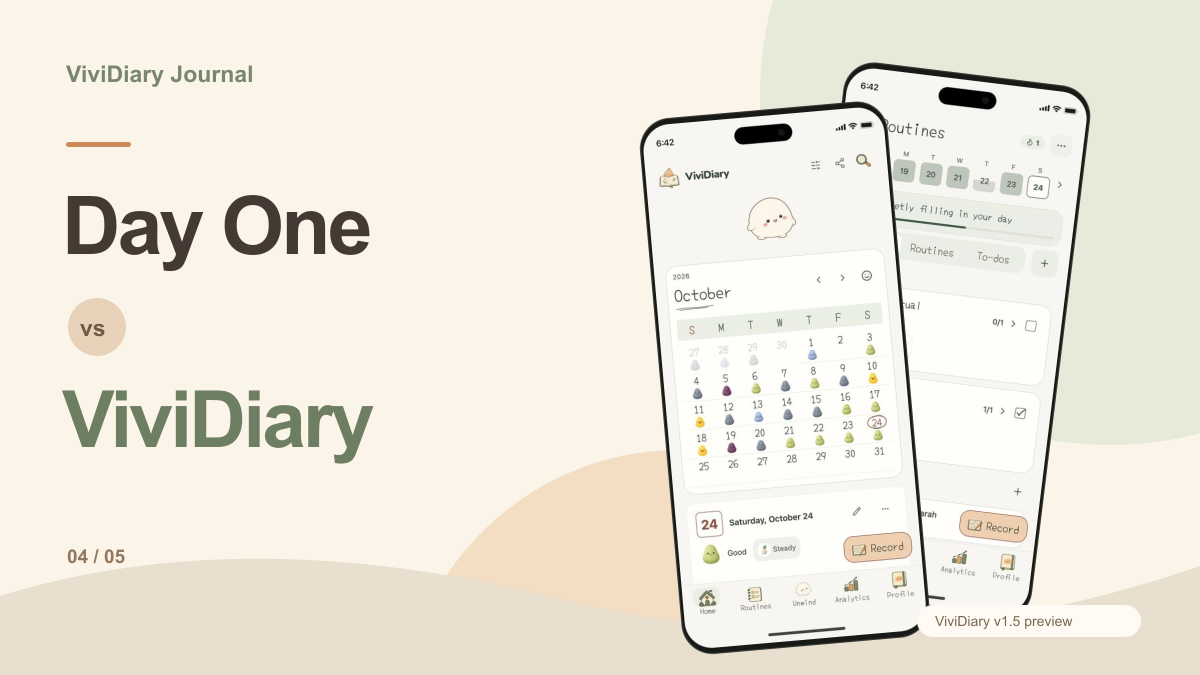
If the thought of typing out paragraphs and managing grammar corrections sounds exhausting, you might be using the wrong medium entirely. This is where ViviDiary steps in.
ViviDiary is a modular mood and life tracker. It operates on a simple premise: your day, in moods, emojis, and patterns. Instead of staring at a blinking cursor and wondering if you should let Apple Intelligence summarize your day, ViviDiary lets you log your state in under 30 seconds.
- Mood is the only requirement: You pick a mood (Great, Good, Okay, Low, Rough). Everything else—memos, photos, and 22 manual emoji modules—is strictly opt-in.
- Light Focus Tracking: ViviDiary includes a Focus module (Routines and Todos). A Routine is just something you want to notice, linked to your emoji check-ins. There are absolutely no pressure-style streaks, no "you missed today" guilt notifications, and no traffic-light progress UIs. It's a gentle personal-best count.
- Privacy-First Architecture: ViviDiary is cloud-stored (using Supabase) so your data syncs seamlessly. However, it is fundamentally privacy-first: any diary text is completely de-identified before any external or AI processing occurs. Privacy here comes from strict data minimization.
- Fair Pricing: The free tier is incredibly generous, offering all input modules, unlimited mood and emoji logging, a 3-month calendar archive, the weekly Mirror pattern discovery, and up to 3 Routines and 5 Todos. If you want more, Premium is just $2.99/mo or $11.99/yr.
For those looking for no-write journaling apps, this modular approach provides the self-awareness of a diary without the editorial burden.
The Verdict: Who Should Choose What?
Let's break down the final decision.
- You already own a supported Apple device and want a free, seamless tool.
- You prefer de-identified processing for absolute privacy.
- You want a gentle "Proofread" nudge without aggressive stylistic changes.
- You are using your journaling app to draft public essays, blog posts, or memoirs.
- You need cross-platform support (Windows, Android, iOS, Web).
- You don't mind paying a premium for highly advanced, strict grammatical rules.
- You are tired of text-heavy journaling and want to track your life in under 30 seconds.
- You want to discover patterns (Time, Activity, People, Focus) without writing paragraphs.
- You despise pressure-style streaks and want a warm, supportive tool that sits beside you, not a coach that grades your grammar.
Ultimately, Apple Intelligence vs Grammarly is a battle for who gets to edit your thoughts. Sometimes, the best choice is to step out of the text box entirely.