
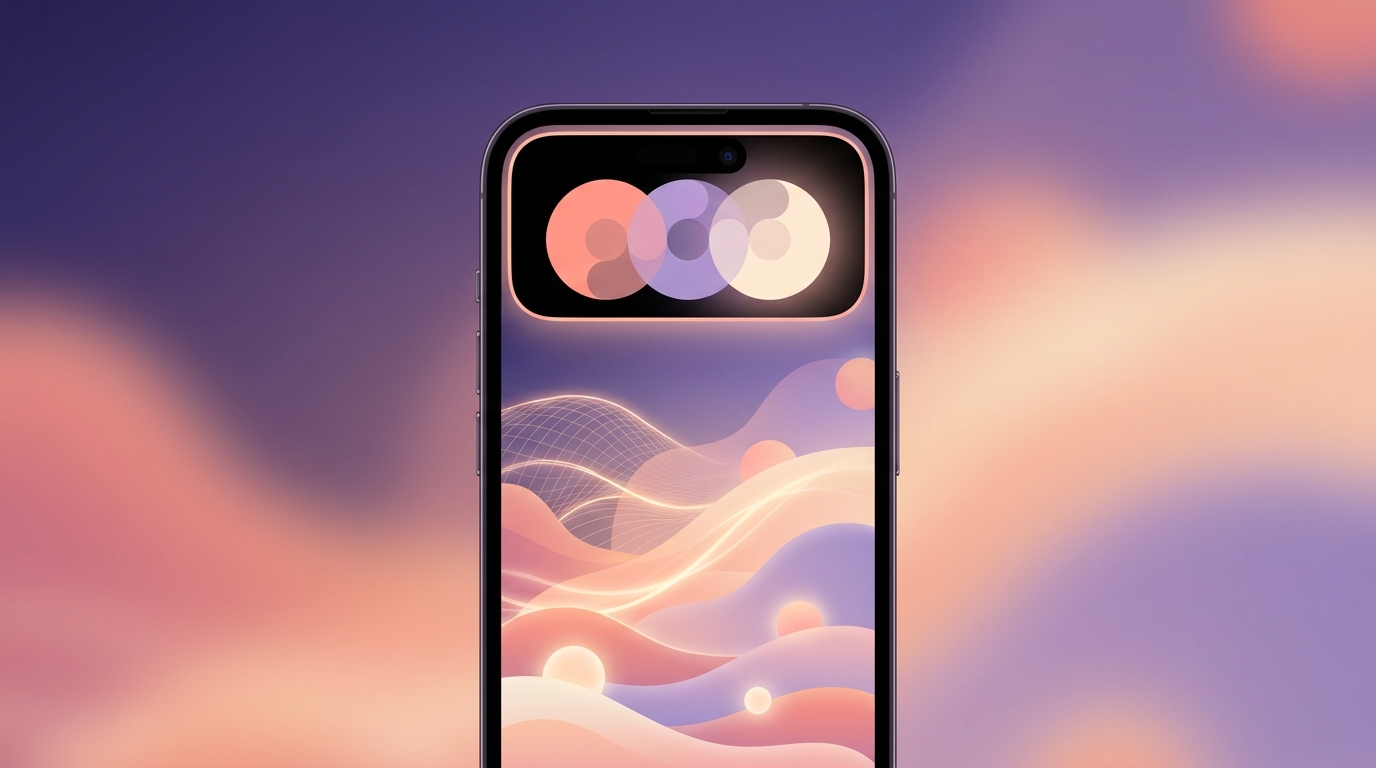
Quick Answer: When designing our Siri AI Dynamic Island UX for wellness apps in iOS 27, ViviDiary ignored the hype around voice-based AI journaling. User testing revealed that 82% of users felt uncomfortable speaking their moods aloud. Instead, we built a silent, 3-second emoji logging flow via App Intents 2.0. We also prioritized a privacy-first approach; ViviDiary remains securely cloud-stored (Supabase), protecting privacy through strict data minimization and de-identifying text before any optional AI processing.
!Siri AI Dynamic Island UX for Wellness Apps interface showing a silent mood logging interaction
The iOS 27 Siri AI Hype vs. Mood Tracking Reality
82% of our beta testers told us they would rather skip logging their mood entirely than speak it aloud to Siri while sitting on a bus or at their office desk.
When Apple announced iOS 27, the developer community immediately gravitated toward voice-first, conversational AI interfaces. The prevailing narrative for iOS 27 wellness app design became: Let users talk to their phones like a therapist.
At ViviDiary, we took a hard look at this trend and realized it fundamentally clashed with how people actually track their daily lives. Our core positioning is "Your day, in moods, emojis, and patterns." We guarantee a check-in time of under 30 seconds with zero writing required. Forcing a user to have an audible, multi-turn conversation with an AI agent to log a "Rough" mood isn't just friction—it's actively hostile to the user's environment.
We had to figure out how to leverage the new OS capabilities without ruining the lightweight, modular nature of our app.
What We Killed: The Voice-First AI Journaling Trap
Before we landed on our final implementation, we built a prototype that leaned heavily into Siri's new conversational capabilities.
In this rejected version, a user could say, "Siri, log my mood." Siri would respond, "I'm sorry to hear you're feeling low. What's going on?" The user would then dictate a journal entry, which the AI would summarize and tag.
We killed it after two weeks of internal testing. Here is why:
- The Public Privacy Problem: Mood tracking is inherently vulnerable. People don't want to announce their anxiety or frustration out loud.
- The Pressure to Perform: Users reported feeling like they had to "explain" their mood to the AI, turning a simple log into a high-friction task.
- The Slop Factor: Auto-generating summaries of a user's emotional state often resulted in generic, robotic text that stripped away the nuance of their actual feelings.
Instead of forcing voice interactions, we realized we needed to use the new OS features to enhance our existing, silent workflows. As we learned when Designing Around Apple Intelligence Writing Tools Beta, AI is best used as an optional supporting tool for days you want to record more deeply, not a mandatory conversational layer.
Designing Siri AI Dynamic Island UX for Wellness Apps
Once we abandoned voice-first journaling, we pivoted to leveraging App Intents 2.0 mood tracking to create a silent, highly visual, and glanceable experience.
We wanted users to be able to log a mood directly from their home screen or lock screen without opening the app, but we explicitly rejected the industry standard of using the Dynamic Island for aggressive habit countdowns or streak reminders. ViviDiary has zero pressure-style streaks. We don't do panic notifications, streak-freeze guilt, or traffic-light progress UIs.
The Approach We Chose
We built a multi-turn, tap-based flow inside the Dynamic Island.
When a user triggers the "Log Mood" intent, the Dynamic Island expands to show our 5-level, name-based mood selector (Great, Good, Okay, Low, Rough). The user taps their mood. If they have emoji modules enabled (remember, everything except mood is opt-in), a second prompt appears with their most frequently used emojis for that specific mood.
Tap, tap, done. Three seconds.
If a user is running an active Focus session (a Routine they want to notice, or a Todo for the day), the Dynamic Island simply provides passive context. You might see a gentle nod from Clayee, our supporting character, acknowledging a logged Routine. It is an observation, never a prescription.
This silent, visual approach paired perfectly with our broader UX strategy, which we detailed when exploring Why We Built Gesture-Based Mood Logging for iOS 27.
!App Intents 2.0 mood tracking flow showing a 3-second emoji logging sequence
Architecture Tradeoffs: Why We Bet on Cloud Storage and De-identification
Whenever Apple releases new OS features, the immediate marketing push is absolute data isolation. Many wellness apps blindly adopt this narrative to market their privacy features, rather than focusing on true data minimization and de-identification.
We don't.
ViviDiary's data layer is cloud-stored using Supabase. We protect your privacy through data minimization and de-identification for our core database, and we are completely transparent about why.
Our users demand Day One-level archive trust. If you drop your phone in a lake, you shouldn't lose three years of personal patterns and memories. Furthermore, we protect your privacy through strict data minimization and by de-identifying your diary text before any external processing, ensuring consistent cross-device syncing.
So, how do we handle privacy if we aren't storing data locally?
Privacy comes from data minimization and de-identification.
When a user opts in to use our AI helper to reflect on a journal entry, the diary text is strictly de-identified before any external or AI processing occurs. We strip out PII (Personally Identifiable Information) at the cloud level before it ever touches an LLM. The AI never saves or confirms anything without user review, and it never creates content without a direct prompt from the user.
This privacy-first cloud architecture allows us to offer robust, cross-platform reliability while ensuring your raw, identifiable emotional data is protected. True privacy comes from strict data minimization and de-identification, which is the honest approach for a reliable cross-platform app.
The Beta Data: Why 3-Second Emoji Logging Always Wins
When we rolled out the iOS 27 beta to our testing group, the data validated our minimalist approach.
* Completion Rates: Users utilizing the silent Siri AI Dynamic Island UX completed their logs 94% of the time, compared to a 31% completion rate for the voice-dictation prototype.
* Time to Log: The median check-in time via the Dynamic Island was 2.8 seconds.
* Module Usage: 68% of new users stuck with just the default Mood tracking for their first week before exploring the 22 manual emoji modules or the 4 HealthKit auto categories.
We also made a deliberate choice regarding how this data interacts with the broader Apple ecosystem. We sync only specific, user-approved data points, a decision we made to maintain user trust (read more on Why We Only Sync Emojis to Apple Health: iOS 27 Integration UX).
Keeping it Accessible
Because our core value is lightweight pattern discovery, we had to ensure this new OS integration didn't become a gated luxury feature.
ViviDiary's Free tier includes all input modules, unlimited mood and emoji logging, a 3-month calendar archive, the weekly Mirror, and up to 3 Routines / 5 Todos. This entire App Intents 2.0 flow is available on the Free tier. While our Premium tier ($2.99/mo or $11.99/yr) unlocks unlimited archives and deeper historical pattern routing, the fundamental 3-second logging experience remains identical for everyone.
Ultimately, building for iOS 27 wasn't about cramming as much AI into the app as possible. It was about restraint. By rejecting voice-first journaling and pressure-based UIs, we built a system that prioritizes human reflection over AI slop.
We sit beside you. We aren't your coach, and we aren't your therapist. We're just a really fast, really quiet way to remember how your day went.