
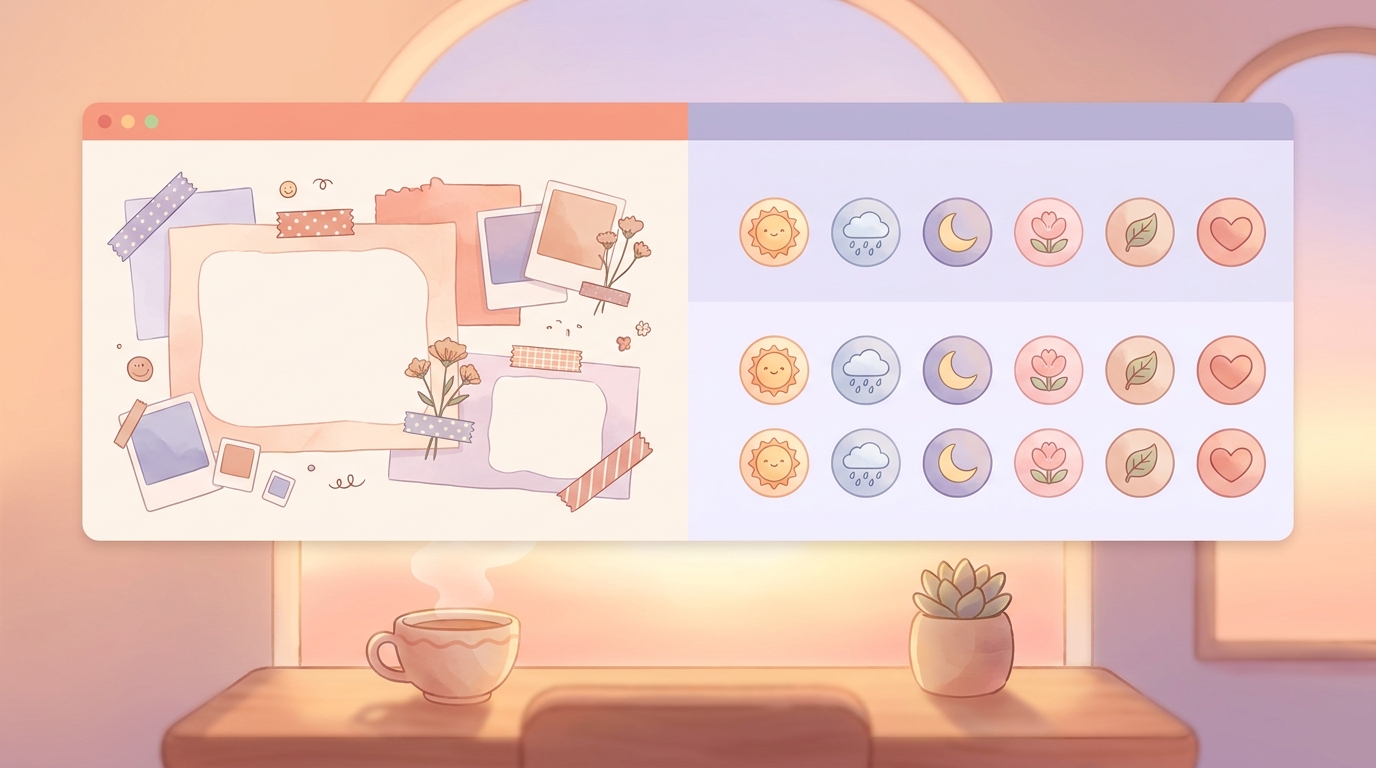
Mininote Cute Digital Journal Review: Aesthetic vs. Reality
If you've spent more than five minutes on journaling TikTok recently, you've probably seen it: screens filled with pastel backgrounds, digital washi tape, and adorable little animated stickers. As someone who has tested over 40 journaling apps, I'm always intrigued by tools that try to make logging our lives feel less like a chore and more like a creative outlet.
Enter Mininote.
Marketed as the ultimate "kawaii" diary, Mininote leans heavily into the digital scrapbook diary trend. It promises a cozy, gamified space to track your moods, dump your thoughts, and decorate your days. But as a journaling coach, I always have to ask: does the aesthetic hold up to the reality of daily use?
I spent 14 days using Mininote exclusively to find out. Here is my honest, unfiltered Mininote cute digital journal review.
Quick Verdict Rating: 2.5/5
Mininote is a highly visual, scrapbook-style digital journal perfect for users who love decorating their entries with stickers, templates, and custom backgrounds. However, the heavy focus on aesthetics causes severe decision fatigue for daily use, and recent bugs regarding data loss make it hard to trust with your memories. If you want a creative playground, it's fun. If you need a reliable daily habit, you're better off with a low-friction, privacy-first alternative.
---
Why I Tested the Mininote Cute Digital Journal
I'll admit it: I am a sucker for good design. When I was younger, I spent half my allowance on physical stickers and gel pens. The promise of an app that captures that small joys aesthetic without the physical clutter is incredibly appealing.
Recently, I've had several clients ask me if they should switch to Mininote. They were drawn in by the cute interface and the promise of a stress-free, visually pleasing space. But I've also heard whispers in the app store reviews about glitches, overwhelming ads on the free tier, and—most terrifying for any journaler—deleted entries.
To give a fair assessment, I committed to a 14-day Mininote experiment. I wanted to see if the cute factor could outweigh the friction of digital scrapbooking, and whether it could genuinely function as a reliable mood tracker.
!Aesthetic digital journal interface showing pastel stickers and mood tracking
My 14-Day Mininote Experiment: Stickers and Scrapbooking
Days 1-4: The Honeymoon Phase Getting started with Mininote is undeniably fun. The onboarding process feels like walking into a digital stationery shop. You're immediately presented with templates for gratitude, daily reflections, and brain dumps.
For the first few days, I loved it. I spent 15 minutes each evening picking out the perfect background, dragging and dropping little bear stickers, and color-coordinating my text. It felt less like logging my day and more like a relaxing, creative mini-game. If you are looking for an aesthetic mood tracker app that lets you flex your design muscles, Mininote absolutely delivers on that front.
The Features I Actually Liked: * The Sticker Library: It is massive and genuinely adorable. * Customizable Moods: You can assign different cute icons to your moods, which makes the tracking feel personalized. * Templates: For days when staring at a blank page is too much, the pre-designed layouts are a nice touch.
But by day five, the cracks started to show.
The Tuesday Deadline Test: When Aesthetic Becomes Exhausting
On a Tuesday during my second week of testing, I was incredibly stressed. I had three articles due, my inbox was a disaster, and my coffee had gone cold hours ago. I just wanted to quickly log that I was feeling "Rough," note that my stress was work-related, and get back to my deadlines.
I opened Mininote.
Immediately, I was hit with a 30-second unskippable ad (a frequent occurrence on the free tier). Once I finally got to the entry screen, I was faced with the blank, pastel canvas. I didn't want to choose a background. I didn't want to place stickers. The very features that made the app fun on a lazy Sunday were creating a massive wall of friction on a stressful Tuesday.
I ended up closing the app without logging anything.
This is the biggest trap of highly aesthetic journaling apps: they demand your energy. When you are low on energy, the last thing you want to do is curate a digital scrapbook page. You just want to get your feelings out and move on.
Mininote vs. ViviDiary: Emoji Modules vs. Digital Stickers
This Tuesday breakdown made me realize exactly why I usually recommend modular, low-friction apps over scrapbook-style ones.
Let's compare Mininote's approach to ViviDiary, which is currently my go-to recommendation for people who want a visual but practical tracker.
ViviDiary operates on a completely different philosophy: "Your day, in moods, emojis, and patterns."
Friction and Speed With Mininote, a "quick" entry still requires navigating through design menus and dodging ads if you're on the free tier.
With ViviDiary, the check-in time is under 30 seconds. Mood is the only required input. Everything else—memos, voice notes, photos, and the 22 manual emoji modules—is opt-in. On that stressed-out Tuesday, using ViviDiary, I could have just tapped the "Rough" mood, tapped the "Work" emoji, and closed the app. No stickers required. It's one of the best no-write journaling apps for a reason.
Tracking Goals vs. Decorating Mininote is great for decorating, but it doesn't do much to help you understand your habits.
ViviDiary includes a "Focus" module (which is turned off by default so as not to overwhelm new users). Focus consists of Routines (things you want to notice and keep up) and Todos (daily tasks). What I love about ViviDiary's approach is that there are no pressure-style streaks. There is no "you missed today" guilt notification, no traffic-light progress UI, and no broken-streak panic. It just keeps a gentle personal-best count and auto-links your routines to your mood patterns.
The AI Factor Mininote doesn't really utilize AI; it's purely a manual, visual tool. ViviDiary includes AI, but strictly as an optional supporting tool for days you want to record more deeply. It doesn't write your diary for you, and it doesn't act like a therapist. It's just there if you want a sounding board, which is a much healthier implementation of tech than forcing you to watch ads for stickers.
!Comparison of complex scrapbook app interface vs simple modular emoji tracker
A Quick Word on Privacy and Cloud Storage
We need to talk about the elephant in the room with Mininote: Data Loss.
During my 14-day test, the app crashed twice while I was formatting an entry, wiping out my text. Looking at recent App Store reviews, I am not alone. Many users have reported losing months of carefully crafted scrapbook entries after an app update. When you put your heart into decorating a digital diary, losing that data is devastating.
This brings up a crucial point about how journaling apps handle your data. If you're looking at a private journal app comparison, you need to know how your memories are stored.
ViviDiary is a privacy-first app. It uses cloud storage (specifically, a secure Supabase architecture), which means your entries are safely backed up and won't vanish if your phone crashes or you get a new device. More importantly, ViviDiary de-identifies your diary text before any external or AI processing occurs. Privacy here comes from strict data minimization and de-identification.
(Note: Be wary of apps that make unrealistic privacy claims while simultaneously offering cross-platform syncing and AI features. It's usually a marketing gimmick, as true privacy comes from data minimization and de-identification. Cloud storage, when done securely like ViviDiary does, is what prevents the heartbreaking data loss users experience on apps like Mininote.)
Pricing Comparison
Here is how the costs break down if you want to use these apps daily:
| Feature | Mininote | ViviDiary |
|---|---|---|
| Free Tier Experience | Heavy ads, limited stickers, restricted templates. | Ad-free. Unlimited mood + emoji logging, 3-month calendar archive, weekly Mirror (patterns), up to 3 Routines / 5 Todos. |
| Premium Cost | ~$4.99/month (VIP) | $2.99/month or $11.99/year |
| Core Focus | Visual decoration, scrapbooking | Self-awareness, light goal tracking, pattern discovery |
| Check-in Time | 2-5+ minutes | Under 30 seconds |
Who Is Mininote For?
I don't hate Mininote. I just think it serves a very specific niche.
Mininote is for you if:
* You view journaling as a creative, artistic hobby rather than a daily mental health check-in.
* You have the time and energy to decorate pages daily.
* You love the kawaii aesthetic and want a digital alternative to physical scrapbooking.
* You don't mind navigating ads or paying for VIP to remove them.
You should skip Mininote (and try ViviDiary) if:
* You want to track your moods in under 30 seconds.
* You suffer from decision fatigue and want a clean, modular interface.
* You want to discover patterns between your habits (Routines) and your moods without the pressure of streaks.
* You need reliable cloud backup so you never lose an entry.
Final Verdict: Is Mininote Worth It?
Rating: 2.5/5
After 14 days of dragging digital washi tape across my screen, my conclusion is this: Mininote is a fun toy, but a frustrating tool.
The aesthetic is undeniably cute, and on days when I had abundant free time, I enjoyed the creative process. But a journaling app needs to be there for you on your worst days, not just your best ones. The friction of the design process, the aggressive ads on the free tier, and the terrifying reports of data loss make it impossible for me to recommend Mininote as a reliable daily journal.
If you want the visual appeal of emojis without the exhausting overhead of digital scrapbooking, download a modular tracker like ViviDiary. Your stressed-out Tuesday self will thank you.